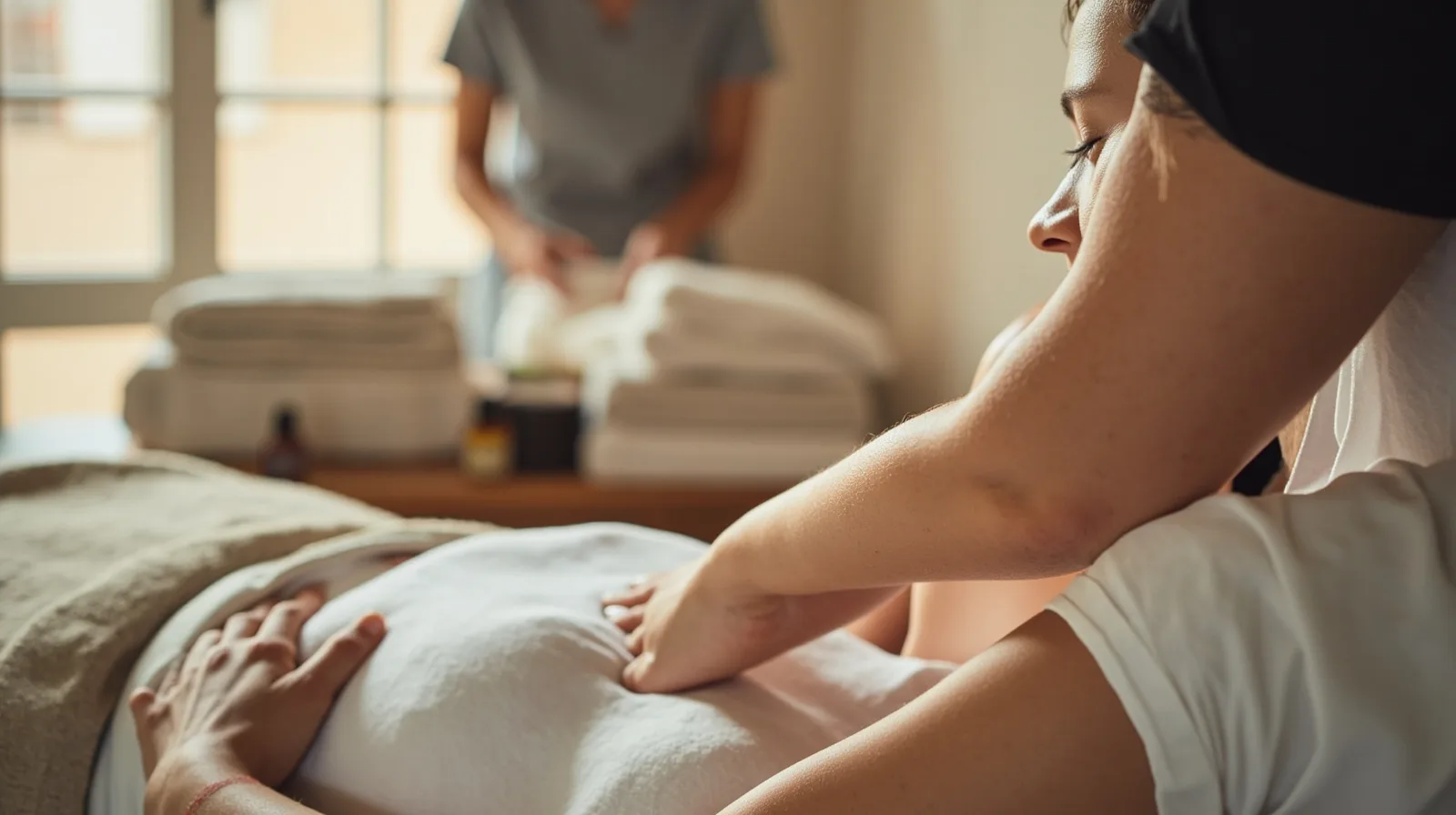
What the Massage & wellness preview shows
The QREasy Massage & wellness template is a three-page website template, not a one-page landing page and not a native booking system. Its purpose is to help visitors understand the offer and identify a next step, such as viewing treatments or making contact. The Massage & wellness website template preview is the clearest place to assess the structure before creating a site. The sample salon and content shown in previews are fictional demonstrations, not customer stories or claimed outcomes.
Treating the preview as a starting point, rather than fixed copy, keeps the salon in control. During editing, supported sections can be added and arranged with text, images, services, contact details, and links. Publish only after the pages answer practical questions: what treatments are offered, who performs them, where the salon is, how to ask about availability, and where a confirmed booking will happen.
- Start with the three-page structure and review each page’s purpose.
- Replace fictional demonstration content with the salon’s real information.
- Add only sections that help visitors choose or contact the business.
- Test the published site and every linked action on a phone.
How to edit text, images, services, and contact details
QREasy hosts editable small websites. Users can choose a template, add and rearrange supported sections, insert the business’s own content, and publish. A published website needs an internet connection to load, and its address can display later content updates. For a massage salon, ordinary Text sections can explain treatment categories, describe past work, and outline preparation or aftercare, while Gallery sections can show the room, products, and work.
It is important to distinguish ordinary content blocks from premium section types. Free websites include Restaurant menu, Links, Products, Gallery, Text, Contact, Social, Save Contact, and Events. The Free plan therefore does not include the named Service Grid, Profile, Team Grid, Testimonials, FAQ, Before & After, Locations, Statistics, or similar premium blocks simply because the salon can write about services in Text. Editorial layouts and image sliders are also paid features.
The Massage & wellness template itself is a premium template, regardless of which individual sections it contains. Premium sections may be drafted on Free, but they cannot be published there. When comparing layouts in the website templates library, check both the overall template and each optional section instead of assuming every visible layout is included. Default template content and a section added later are separate choices.
Free, Lite SME, or Business?
The key requirement is straightforward: the premium Massage & wellness template can be used with Lite SME or Business. A Free subscription cannot use or publish that premium template, even if the business has not created a Wallet card. This is a template requirement, not a side effect of Wallet functionality. For current limits and pricing, compare QREasy plans before starting.
Free includes one website of up to one page, one dynamic QR, unlimited static QRs, seven days of analytics history, and contact Wallet cards. It is useful for testing a basic one-page presence. However, premium sections can be drafted but not published on Free until the account is upgraded. A salon that wants the three-page template should plan for Lite SME or Business rather than building around the Free limits.
Lite SME is the smaller paid option and allows up to four pages per site, enough for the template’s three-page structure. Business provides more websites, a higher page allowance, and more dynamic QR codes. Both paid tiers include website-linked Wallet cards, while Free includes contact Wallet cards. Choose based on the number of locations or websites the salon expects to operate, not on claims of booking automation, because plan differences do not turn external booking tools into native QREasy features.
- Free: EUR 0.00 monthly or EUR 0.00 annually; one website, up to one page; no premium Massage & wellness template.
- Lite SME: EUR 2.99 monthly or EUR 28.70 annually; three websites, up to four pages each, and 50 dynamic QR codes.
- Business: EUR 9.99 monthly or EUR 95.90 annually; 33 websites, up to ten pages each, and 357 dynamic QR codes.
How static QR codes, dynamic QR codes, and Wallet fit
A static URL QR encodes one fixed address. The content behind that address can still change, so a QR placed on a poster or business card does not need reprinting merely because the website text, images, or services were updated. A new static QR is required only when the encoded URL changes. Static URL QR is not the same as embedding static vCard contact data in the code. The QREasy QR code generators can be used to create and manage the appropriate code.
A dynamic QR works through a managed redirect, so its destination can be changed without reprinting, subject to the limits of the selected plan. Neither QR type guarantees that every phone or camera will scan it, so test the final code and destination on the devices the salon expects customers to use. A hosted, editable QREasy website does not require a dynamic QR just to change its content; the choice depends on whether redirect management is needed.
For Wallet, Free contact cards can let recipients review and save contact details. A Wallet card linked to a website requires Lite SME or Business. The website QR opens the site in the phone browser rather than running the website inside Wallet; Google Wallet also provides a Visit Page link. There is no mandatory card-review step before the website opens. For a fuller explanation of the product boundary, see information about QREasy.
How visitors move from information to a booking
The site can present services and then send visitors to a practical contact route: a phone call, an email address, WhatsApp, or a booking link operated by another provider. Those links open the relevant external channel. A click or message may start an enquiry, but it is not itself a confirmed reservation. If the salon uses a separate booking platform, that platform may manage availability and confirm bookings under its own rules; QREasy neither determines nor guarantees those functions.
QREasy does not claim a native customer contact form, enquiry submission inbox, appointment scheduling, calendar availability, automated confirmations, ordering, checkout, payment processing, or property CRM. This limitation concerns the QREasy website. The salon may independently offer scheduling, payment, or related services through its own systems, and an external provider may include those capabilities. The honest description is therefore a salon website with an external booking route, not a complete reservation system built into QREasy.
Before publishing, label the next step clearly. For example, say Book an appointment if the link leads to a booking service, Call the salon if it opens the dialer, or Ask about treatments if it opens email or WhatsApp. Avoid promising that every enquiry receives an immediate answer. Check the link on mobile data, confirm that the external provider shows the intended salon and treatment, and review the published pages after every update so the information and destination stay aligned.