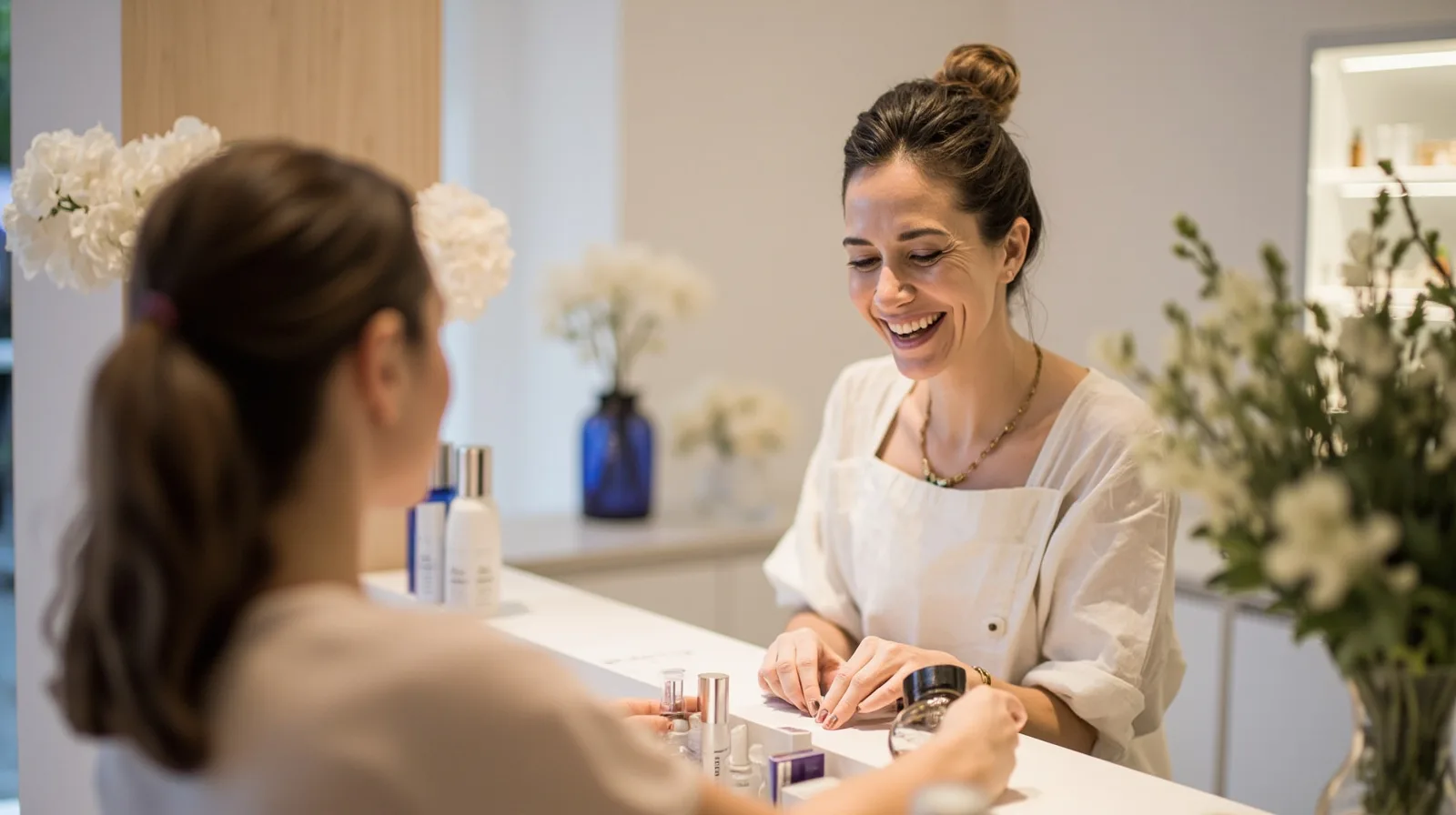
What the four-page beauty template can present
Start by reviewing the Beauty & aesthetics website template preview. It presents a four-page layout rather than a one-page site. Use that structure to separate key information, such as treatments, your approach, visual work and practical contact details. The exact content depends on the sections you add and arrange, so the preview should guide your planning rather than dictate a fixed set of booking features.
The template is premium and requires Lite SME or Business to use, independently of whether you create a Wallet card. This distinction matters when comparing options: the plan requirement comes from the template itself, not from Wallet functionality. If you need a broader comparison, browse the website templates collection. Then plan the content around the four pages and check the plan status of every premium section before relying on it.
- Suggested page one: introduce the salon, your clientele and a concise treatment overview.
- Suggested page two: explain individual treatments and include a clear contact or booking route.
- Suggested page three: use a gallery of consented photographs to show the space, work or atmosphere.
- Suggested page four: consolidate practical information, social links and the preferred external booking channel.
Build content with the right section types
QREasy hosts editable small websites. You choose a template, add supported sections, arrange them with text, images, services, contact details and links, then publish. Among the free section types are Restaurant menu, Links, Products, Gallery, Text, Contact, Social, Save Contact and Events. For a beauty salon, ordinary Text sections can explain treatments and ordinary Gallery sections can display past work.
Do not assume that every element visible in a preview is prebuilt or free. The business-card template begins with Save Contact, Contact and Links, while the Event template begins with Text, Links and Contact; those are template defaults, not universal sections. On the beauty site, add each section deliberately and confirm its plan status before publishing.
Service Grid, Profile, team-grid layouts, testimonials, FAQ, before-and-after blocks, editorial layouts and image sliders are premium section types. They may be drafted before an upgrade, but they cannot be published on Free. A Free site can still describe services and show photos in ordinary sections, so “premium” should describe the section type rather than every polished design element.
- Use Text sections for treatment names, descriptions, preparation notes and other practical copy.
- Use Gallery for photographs you have permission to publish.
- Add Contact and Links for phone, email, WhatsApp and an external booking service.
- Check the section label before adding Service Grid, Profile, sliders or other paid layouts.
Choose a plan for the template, sites and Wallet cards
Compare allowances on the QREasy plans page before publishing. The beauty template needs Lite SME or Business regardless of Wallet creation. Plan choice also determines how many websites, pages, dynamic QR codes and days of analytics history you can use.
QREasy provides digital business cards for Apple Wallet and Google Wallet. Contact Wallet cards let recipients review and save contact details. Website-linked Wallet cards let recipients open a QREasy-created site through the phone browser; the site does not run inside Wallet, and Google Wallet also provides a Visit Page link. Website-linked cards require Lite SME or Business, while contact Wallet cards are included with the free plan.
- Free — 1 website, up to 1 page each, 1 dynamic QR code, unlimited static QR codes and 7 days of analytics history. Contact Wallet cards are included; website-linked Wallet cards require a paid plan. EUR 0.00 monthly or EUR 0.00 annually.
- Lite SME — 3 websites, up to 4 pages each, 50 dynamic QR codes, unlimited static QR codes and 90 days of analytics history. Website-linked Wallet cards are included. EUR 2.99 monthly or EUR 28.70 annually.
- Business — 33 websites, up to 10 pages each, 357 dynamic QR codes, unlimited static QR codes and 90 days of analytics history. Website-linked Wallet cards are included. EUR 9.99 monthly or EUR 95.90 annually.
Send booking requests to external channels
Beauty templates can direct enquiries to phone, email, WhatsApp or an external booking link. Each action opens the relevant external channel. QREasy does not provide a verified native customer contact form or enquiry inbox, so do not describe a built-in form, message list or enquiry reception as part of the website builder.
An external booking service may accept and confirm reservations under its own rules, and a link to a separate form provider remains an external service. QREasy does not determine that provider’s functionality. QREasy itself does not provide native appointment scheduling, calendar availability, automated confirmations, ordering, checkout, payment processing or a property CRM. Your salon can offer those services independently through another provider.
- Place an external booking link beside the relevant treatment or service information.
- Show phone, email or WhatsApp as request routes, and do not treat a message alone as a confirmed reservation.
- Use request wording when the destination does not itself confirm a booking.
- If the external provider confirms reservations, say that confirmation follows the provider’s rules.
Publish, update and connect QR codes
After adding and arranging your sections, publish the site. Website access needs an internet connection. When you revise text, replace images or change supported content, publish again and the same website address can show the updated version. This makes a stable URL useful for signs, brochures and existing QR codes without creating a new site each time.
A static URL QR contains a fixed web address. The content served at that address can change without changing or reprinting the code; only changing the encoded URL requires a new static QR. A dynamic QR instead uses a managed redirect whose destination can change without reprinting, subject to plan limits. Neither type guarantees scanning on every device, and a URL QR should not be confused with embedded static contact data.
Use the QREasy QR code generators to match the code to its purpose. A website-linked Wallet QR encodes the website URL and opens the site through the browser. For contact details, a contact Wallet card is the more direct route. Decide whether the destination will remain stable before printing, and keep a record of the final URL and any provider-specific booking instructions.
- Edit the hosted site and republish when text, images or other supported content changes.
- Reuse a static URL QR while its encoded address stays the same.
- Choose a dynamic QR when a managed redirect is needed and your plan supports it.
- Test the intended destination on the devices and apps your customers use.