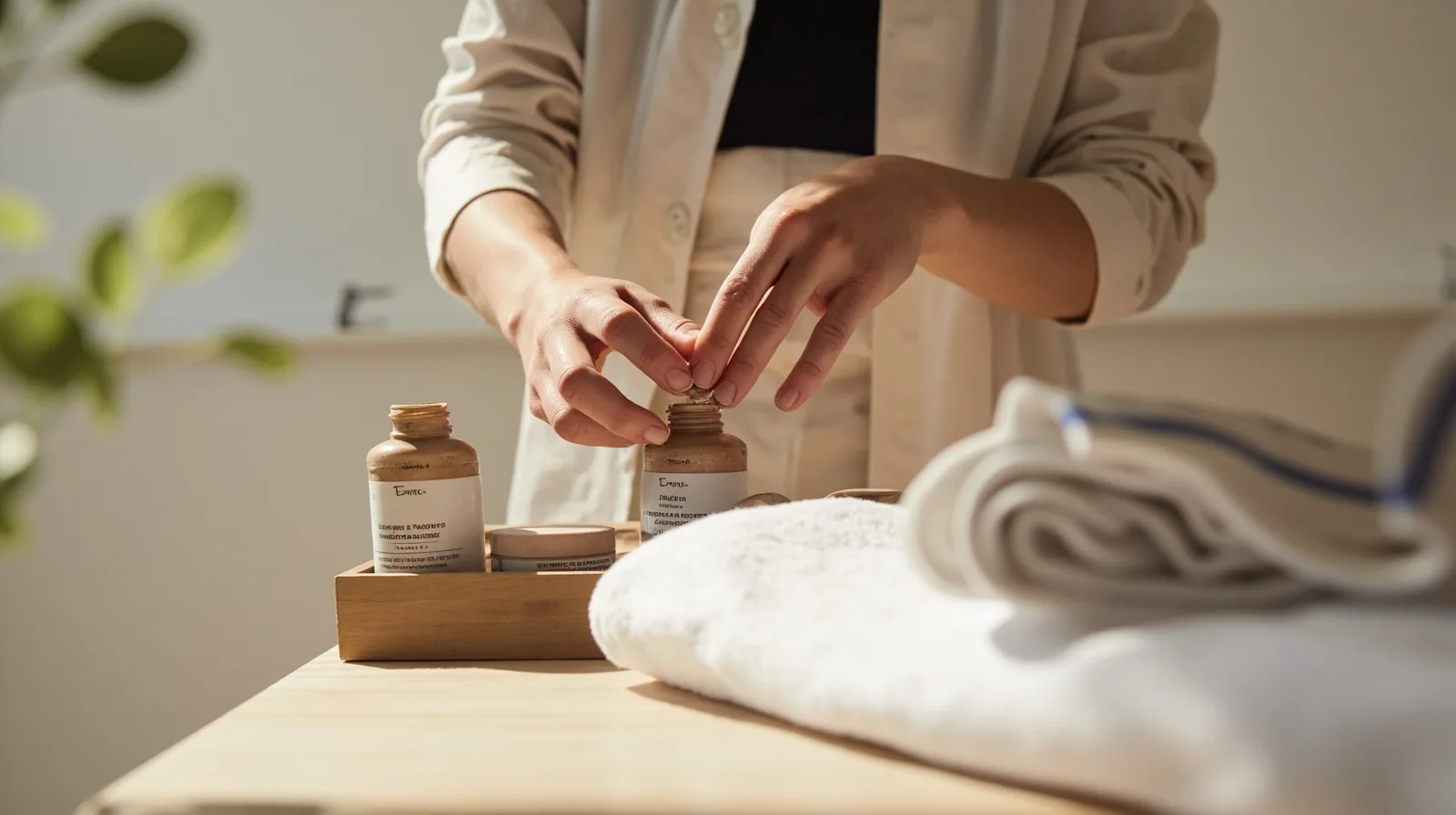
What the Paid Four-Page Template Includes
The Beauty & Aesthetics template is a premium starting point, not a one-page preview. Its default structure contains four pages, giving a business room to separate introductory information, treatments, practical details, and contact routes. Preview the Beauty & Aesthetics website template before creating a project so you can review the structure and sample content. Demonstration businesses are illustrative, not testimonials or proof of results.
Using this template requires Lite SME or Business, independently of whether you create a Wallet card. A contact-only Wallet card can be free, but that does not unlock the paid template. If you need a simple website on Free, QREasy can host one page, and you can present services in ordinary text sections and photos in a gallery.
Do not treat the template as a native booking system. It helps organize explanations and links, while the action behind a phone number, email address, WhatsApp link, or booking button opens the relevant external channel.
Edit Around the Customer’s Questions
Open the project and replace the sample business details with accurate information. Start with the treatment names you actually offer. For each one, explain in plain language who the treatment is for, what happens, any preparation requirements, and the verified duration, price, or location. Keep claims modest and avoid presenting example treatment details as universal advice.
Use supported sections to add and arrange text, images, services, contact details, and links. A practical order is an introduction, a treatment overview, photos or past work, practical details, and a contact section. You can browse the available website templates for alternatives. Free websites can describe services and past work in ordinary Text sections and display images in Gallery, but this does not make premium blocks such as Service Grid, Profile, or Editorial Image available on Free.
- Audit the four demonstration pages and remove every treatment, price, location, and business detail that does not apply to you.
- Use the same treatment names on the website, contact links, and booking provider so visitors can match the information they saw.
- Choose clear, original photos that show your real setting, work, or products without implying results that you cannot substantiate.
- Keep each page focused on one decision, such as understanding a treatment, checking practical details, or making contact.
- Read buttons and links as if you were a first-time visitor, labeling them as enquiries, appointment requests, or booking links according to what happens next.
Contact and Booking Without False Expectations
Beauty templates can direct visitors to a phone call, email, WhatsApp, or an external booking link. Each action opens the relevant external channel. Keep the wording beside it precise: ask for an enquiry, request an appointment, or continue to booking. A phone call, email, or WhatsApp message is not itself a confirmed reservation.
QREasy does not provide a verified native contact form, enquiry inbox, native appointment scheduling, calendar availability, automated confirmations, ordering, checkout, payment processing, or a property CRM. If you already use a separate booking provider, link to it; that provider may confirm reservations under its own rules and may offer services QREasy itself does not.
Before publishing, test every channel on the device and booking flow you expect customers to use. Confirm that the number reaches the right person, the email address is monitored, the WhatsApp link opens the intended chat, and any external form or booking page belongs to the provider you chose. Avoid saying QREasy sends or confirms bookings unless the external service does so.
Publishing, Plans, and Website-linked Wallet Cards
After editing, publish the site. QREasy hosts it, and the same website address can display later updates without creating a new address. Visitors need internet access. Premium sections may be drafted before upgrading, but Free cannot publish those section types; upgrade to Lite SME or Business before publishing them.
The available limits and prices differ substantially. Compare QREasy plans before selecting a template or connected distribution method:
A website-linked Wallet card is a separate step from publishing a website, but creating one requires Lite SME or Business. Its QR encodes the website URL, so scanning opens the site in the phone browser rather than running it inside Wallet. Google Wallet also provides a Visit Page link. Learn how QREasy combines small websites, QR tools, and Wallet cards.
- Free: EUR 0.00 monthly or annually; one website with up to one page; contact Wallet cards are included. The premium beauty template is not available.
- Lite SME: EUR 2.99 monthly or EUR 28.70 annually; three websites with up to four pages each; website-linked Wallet cards are included, and the beauty template can be used.
- Business: EUR 9.99 monthly or EUR 95.90 annually; 33 websites with up to ten pages each; website-linked Wallet cards are included, and the beauty template can be used.
Choose the Right QR Handoff
If your website already has an address, a static URL QR is the simplest handoff. The code contains a fixed URL. You can replace the hosted page, or even a PDF served at that same URL, without changing or reprinting the code; only a changed encoded URL requires a new static QR. This is different from a QR with embedded vCard contact data.
A dynamic QR instead uses a managed redirect, so its destination can change without reprinting, subject to plan limits. The listed allowances are one dynamic QR on Free, 50 on Lite SME, and 357 on Business; all three list unlimited static QR codes. Neither type guarantees scanning on every device, and editing a hosted website does not require a dynamic QR. Use the QREasy QR code generators to choose and test the appropriate destination.
For distribution, test the selected code in the physical and digital places where customers will meet it, and keep its destination address in your records. If the business also wants a reusable digital business card, create the Wallet card separately and remember that website-linked cards require a paid plan. The hosted website, a QR code pointing to it, and a Wallet card can be used together, but they are three separate items.