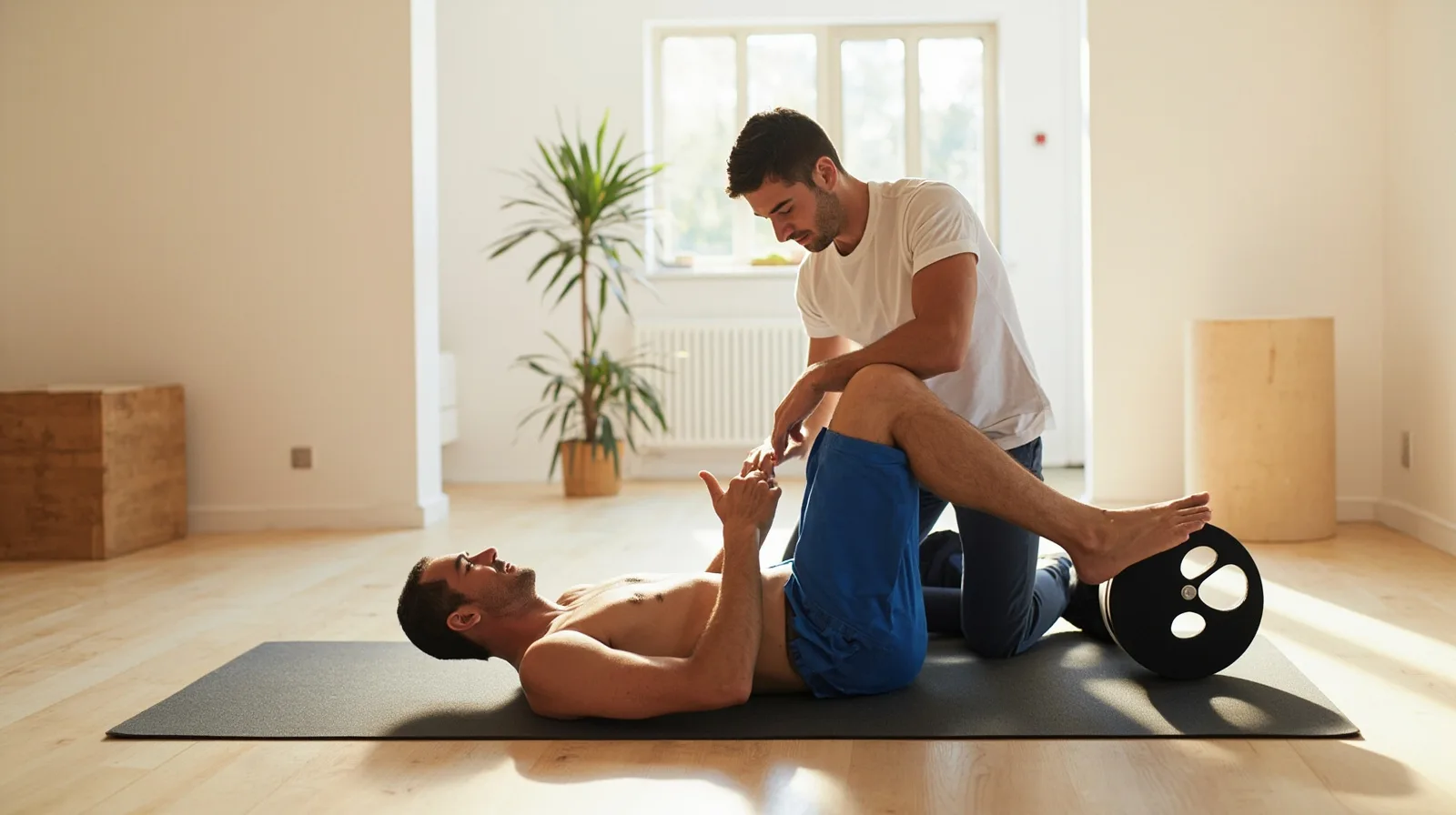
What makes a useful personal trainer website?
A useful site should let a visitor scan for answers to five questions: What do you offer? Who is the offer for? What happens in a session or programme? Which facts can I verify? How do I make an enquiry? Put those answers in a clear order instead of beginning with a long biography or a list of generic adjectives.
Use specific, supportable language. Describe the coaching format, session structure and next step without promising weight loss, injury recovery or guaranteed fitness results. Example businesses and wording below are fictional demonstrations only. They show editorial structure, not real clients, endorsements or outcomes.
- Page 1: offer, audience and main next step
- Page 2: programmes, relevant work and trainer profile
- Page 3: proof, FAQs and contact details
- A consistent enquiry route across the journey
- Clear headings and short sections
Example one: introduce the offer and main next step
Example one opens with the coaching offer and one main next step. For a fictional trainer, the opening might say: “I offer one-to-one strength coaching and remote general fitness sessions for adults who want a structured routine.” Follow it with a short explanation of online and in-person options, the support provided and the primary action, such as “Start an enquiry.”
Place that action beside the offer and repeat it after the supporting details, not on every line. A booking link may open a separate provider, while a phone or email link opens that channel directly. Keep the headline focused on the service rather than an unverified transformation. Preview the three-page Personal trainer template to see the multi-page starting point before replacing its sample content.
- Opening: offer, audience and format
- Short explanation of what a session includes
- One visible primary action
- Contact fallback when needed
Example two: explain programmes and add a trainer profile
Example two uses the middle page for programmes and work. Split distinct offers into cards or text sections. Names such as “Foundation Strength” or “Consistent Fitness” can organise the page; for each offer, state its format, duration, session content, coaching support and suitable audience.
Use a gallery for authorised photos and concise captions, and use text to describe past work without inventing client statistics. A trainer profile can cover background, qualifications, coaching focus and practical details, provided each claim is accurate. Gallery and ordinary Text sections are free; Service Grid, Profile and other premium section types need a paid plan to publish, although they can be drafted before upgrading.
- Programme: format, duration and included sessions
- Gallery: consented photos and useful captions
- Profile: verified background and qualifications
- Close: one matching enquiry link
Example three: add relevant proof, FAQs and contact details
Example three puts decision-support information on the final page. Relevant proof may include verified credentials, a plain explanation of the coaching process, studio policies or photos of genuine sessions. If you use quotes or testimonials, obtain permission and reproduce them accurately; sample copy must never be presented as a real client statement. Premium credibility or testimonial sections require Lite SME or Business.
Add a short FAQ covering practical matters such as session format, how to begin, preparation and cancellation terms. Keep answers specific and avoid diagnosing conditions or giving personalised health advice. Then show current phone, email, location and preferred contact route. The Contact section is free, while the premium FAQ section requires a paid plan.
- Proof: credentials, process and genuine session details
- Testimonials: accurate, permission-based statements only
- FAQ: practical questions and clear answers
- Contact: current routes for enquiries
Handle enquiries and external booking links accurately
QREasy websites provide editable sections for text, images, services, contact details and links. When a trainer connects a phone, email, WhatsApp or external booking link, clicking it opens the relevant external channel. QREasy does not provide a verified native customer contact form or enquiry submission inbox, so do not describe a linked form as a built-in QREasy form.
An external provider may confirm bookings under its own rules; it would be inaccurate to say every such link is incapable of confirmation. A phone call, email or WhatsApp message is also not itself a confirmed reservation. QREasy does not natively provide appointment scheduling, calendar availability, automated confirmations, checkout, payment processing or a CRM. If your business offers these independently, describe them as its own external service and verify the wording with that provider.
- State what happens after clicking
- Name the external provider when useful
- Keep contact and cancellation details current
- Describe the enquiry, booking and confirmation steps supplied by each external provider.
Check plan limits, QR codes and the publishing process
The Personal trainer template has three pages and requires Lite SME or Business to use; that requirement is independent of creating a Wallet card. Free includes one website with up to one page, Lite SME permits three websites with up to four pages each, and Business permits 33 with up to ten. Check QREasy plans and current limits, especially when adding premium sections or website-linked Wallet cards.
For a hosted website, a static URL QR can remain unchanged when the content at that same address is edited; changing the encoded URL requires a new code. A dynamic QR uses a managed redirect and can change destination subject to plan limits. Neither type guarantees scanning on every device. A website QR opens the site in the phone browser, not as a website running inside Wallet. Use the QR code generators to choose the appropriate workflow.
QREasy hosts editable small websites. To build the site, start with the Personal trainer template, add and arrange supported sections, replace sample material, check contact and booking links, and publish. The same website address can show later updates, so routine copy changes do not require a new address. Website access needs an internet connection. If another structure suits the business better, browse the other website templates before publishing.
- Free: 1 dynamic QR, unlimited static QR codes and 7 days of analytics history
- Lite SME: 50 dynamic QR codes, unlimited static QR codes and 90 days of analytics history
- Business: 357 dynamic QR codes, unlimited static QR codes and 90 days of analytics history