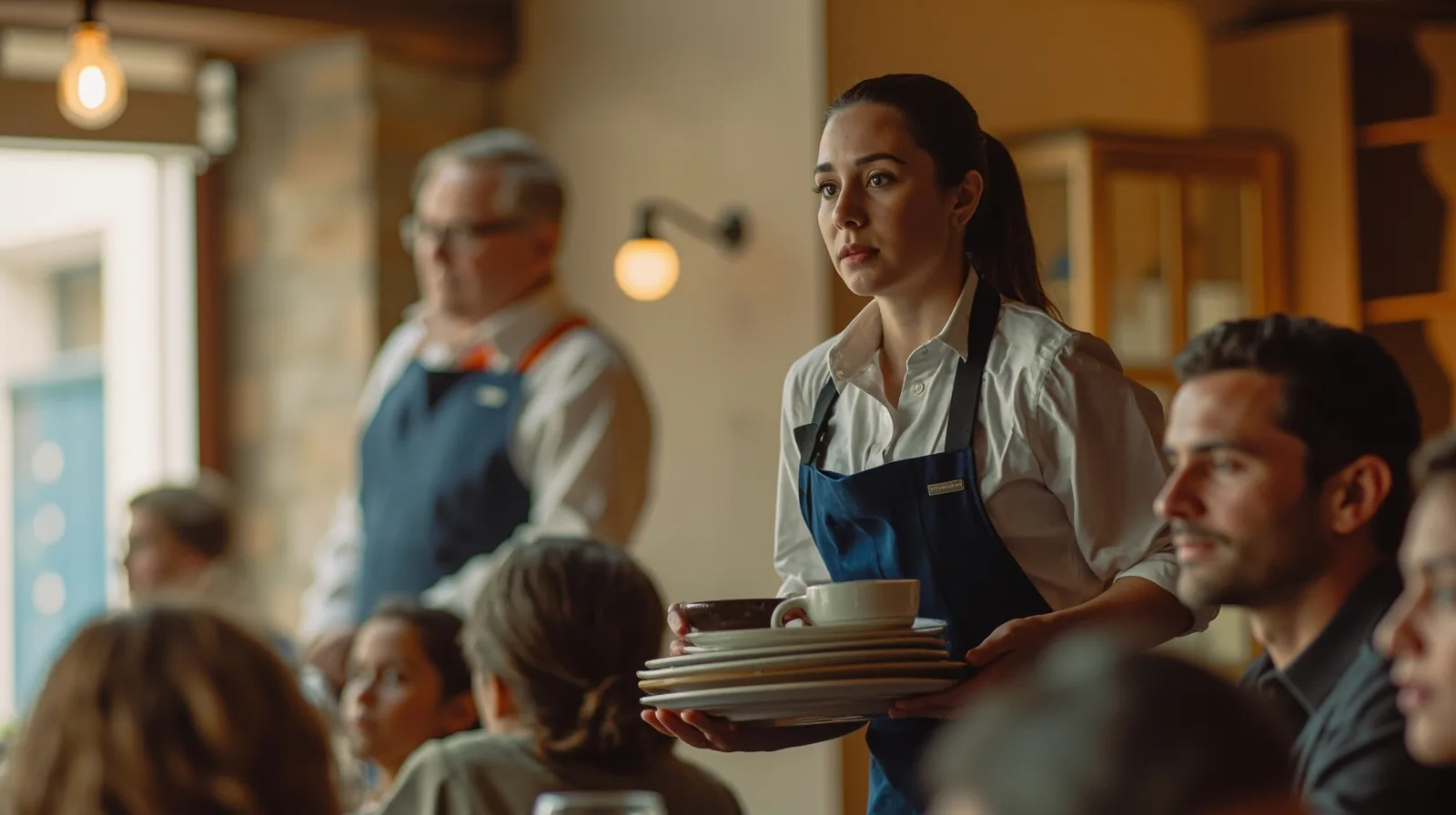
What a good small restaurant website includes
Begin with the decisions a guest needs to make: what to order, whether the restaurant is open, how to find it and how to ask for a table. For example, a fictional neighborhood trattoria could place its menu first, followed by address, service hours, telephone number and a booking link.
The clearest examples are not necessarily the longest. A diner checking lunch should find the menu quickly, while someone planning dinner should reach the booking action and address without reading a long biography. Test the page as both a new and returning guest, and remove content that helps neither.
- First screen: name, menu summary, hours and one primary contact action.
- Visit details: address, service times and a directions link.
- Useful extras: photos, event notices, social links and partner booking pages.
- Honest labels: call, email, ask on WhatsApp or continue to a booking provider.
Using the Simple restaurant template
Start with the Simple restaurant template preview. The template’s default is one page, and its stated starting content is a menu, location and hours. It is available on Free. That description is not a list of pre-enabled blocks: optional sections should be added deliberately. The fictional sample business and dishes are demonstrations, not customer results.
In the editor, replace demonstration details with the real restaurant name, cuisine and dishes. Add or edit the Restaurant menu section for food descriptions, and enter the address, current service hours, telephone number, email address and WhatsApp number in supported editable areas. Remove every placeholder item that does not belong to the business.
Before publishing, open each contact action and external destination. Confirm that the displayed hours match current service, test the page on a phone and check how it behaves with an unreliable connection. Website access needs internet, so publish only when the content is ready rather than treating an unpublished draft as a public menu.
Choose sections that answer real questions
QREasy’s Free website sections include Restaurant menu, Links, Products, Gallery, Text, Contact, Social, Save Contact and Events. These are building blocks, not automatic obligations. Gallery can show the room, food or preparation; Text can explain the service style; Events can publish dated information and link to a separate registration provider if the business already uses one.
Some section types are premium, including music, video, channels, downloads, call-to-action, image, premium gallery, service grid, FAQ, publications, credibility strip, locations, stats strip, before-and-after, profile, team grid, testimonials, process and technology list. Editorial layouts and image sliders also require a paid plan. Premium sections can be drafted on Free, but not published there.
If the restaurant page already covers the essentials, do not add a block merely because it appears in the website templates gallery. Add a section only when it gives guests a new route to the menu, venue, event or contact. The Event section is not a built-in scheduling or registration system.
Contacts, enquiries and external reservations
Restaurant templates use phone, email, WhatsApp or external booking links for enquiries. Each action opens the relevant external channel: a phone action starts the calling flow, email opens an email application, WhatsApp opens the chat, and a booking link continues to a separate provider. Test each action on the devices guests are likely to use.
QREasy does not include a verified native contact form, enquiry inbox, appointment scheduler, calendar availability, automated confirmation, ordering, checkout, payment processing or restaurant CRM. A phone, email or WhatsApp message may begin an enquiry, but it is not itself a confirmed reservation. Label actions honestly, such as call to ask about a table.
If the business already uses a provider that can confirm reservations under its own rules, link to that provider and make the handoff clear. The provider may independently offer scheduling or payment; those are provider functions, not QREasy website features. Decide separately whether an external form or partner service is appropriate.
Compare Free, Lite SME and Business
The plan sets limits for websites, pages, dynamic QR codes and analytics history. Review QREasy plans and pricing before upgrading; the Simple restaurant template itself is available on Free.
One restaurant with one page may fit Free. A paid plan becomes relevant for several websites, additional pages, website-linked Wallet cards, more dynamic QR capacity or premium sections. Treat these as capacity limits, not forecasts about restaurant traffic or revenue.
- Free: 1 website, up to 1 page each, 1 dynamic QR code, unlimited static QR codes and 7 days of analytics history. Contact Wallet cards are included. Website-linked Wallet cards require a paid plan. Price: €0.00 monthly or annually.
- Lite SME: 3 websites, up to 4 pages each, 50 dynamic QR codes, unlimited static QR codes and 90 days of analytics history. Website-linked Wallet cards are included. Price: €2.99 monthly or €28.70 annually.
- Business: 33 websites, up to 10 pages each, 357 dynamic QR codes, unlimited static QR codes and 90 days of analytics history. Website-linked Wallet cards are included. Price: €9.99 monthly or €95.90 annually.
Update, share and extend the restaurant site
QREasy hosts editable websites, and the same website address can display updated content. After changing a dish, correcting hours or replacing a photograph, publish the edit and verify the live page. A static URL QR encodes a fixed destination, so it can keep opening that address after the content changes. A new static QR is needed only if the encoded URL changes.
Dynamic QR codes use a managed redirect, allowing the destination to change without reprinting, subject to plan limits. Editing a hosted website does not require a dynamic QR. Neither type guarantees scanning on every device, so place and test codes where guests will use them. The QR code generators can prepare a code for the chosen destination.
QREasy also provides digital business cards for Apple Wallet and Google Wallet. Supported journeys let recipients review and save contact details or open a QREasy website. Website-linked Wallet cards require Lite SME or Business; their QR encodes the website URL and opens it in the phone browser, not as a site running inside Wallet. Google Wallet also includes a Visit Page link.