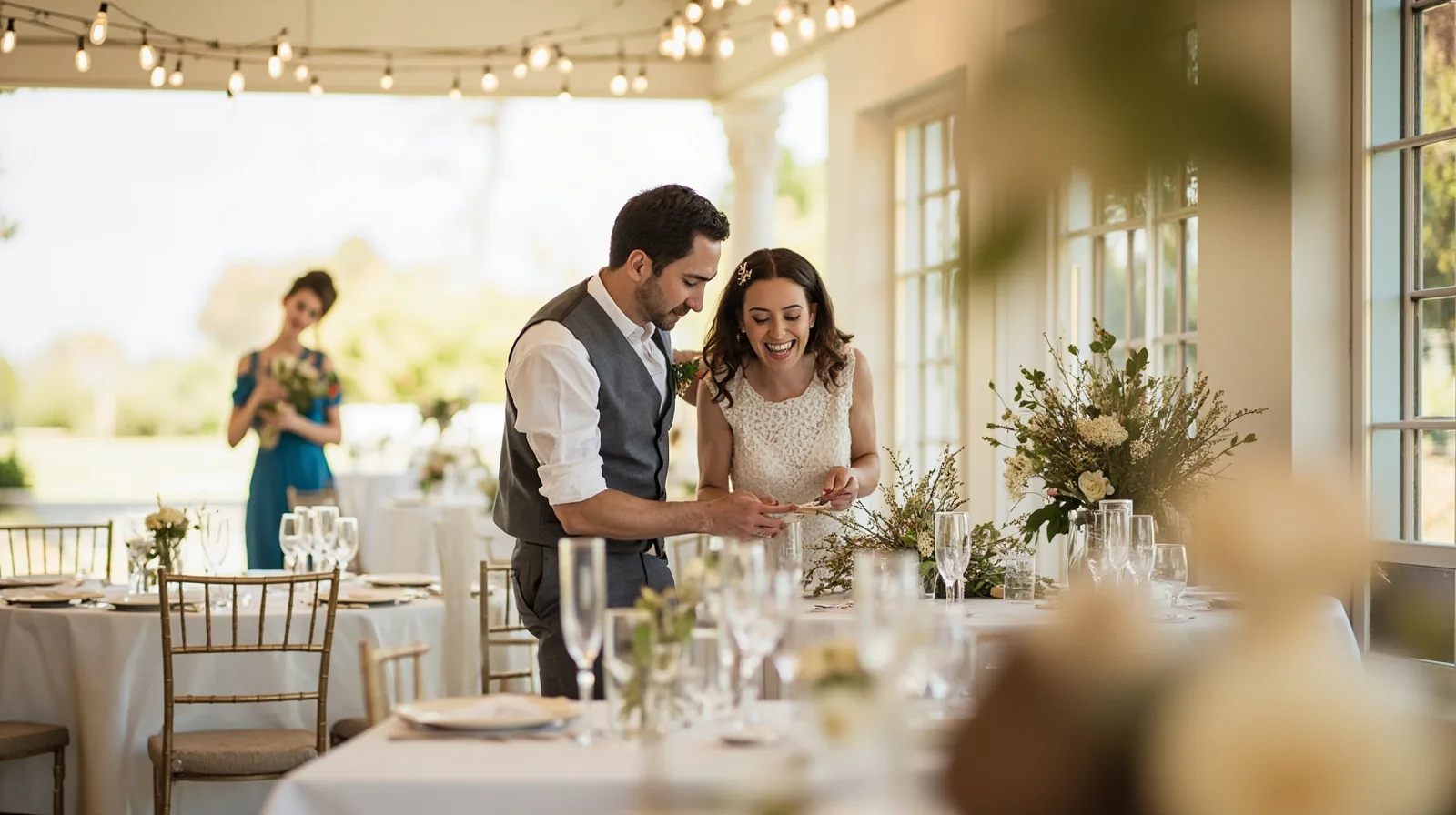
What the wedding and events template includes
QREasy’s premium Weddings & events template is aimed at wedding organizers, event coordinators and similar professionals who need a compact site for services, celebrations, planning information and availability. The default template contains three editable pages, so plan the site as a small sequence rather than as a one-page card. Sample businesses and copy are fictional demonstrations, not customer results.
Before editing, preview the Weddings & events website template to see the intended starting point. You can also compare it with other website templates in QREasy’s gallery. The template is a presentation and navigation tool; it does not turn your business into a native scheduling, registration or payment platform.
- Default structure: three pages, with content and supported sections arranged through the editor.
- Primary audience: wedding organizers and event professionals.
- Plan rule: Lite SME or Business is required, whether or not you create a Wallet card.
How the three pages work
The three pages do not need to mirror a rigid script. The Event template starts with editable Text, Links and Contact, and QREasy’s website editor lets you add and arrange supported content such as images, services, contact details and links. Once published, the same website address can display revised content, so updates do not require creating a new URL.
Plan the pages around a visitor’s questions. Introduce the organizer and service area first, use the second page for relevant examples or deeper service explanations, and reserve the final page for practical details and direct contact. This is an editorial recommendation, not a fixed page rule. If you publish service blocks, galleries, profiles or editorial layouts, check whether they are premium sections.
- Page 1: explain the offer, location served and main call to action.
- Page 2: show relevant work through images, text and selected premium blocks.
- Page 3: add FAQs, availability copy, contact details and links.
- Use your own verified business information; preview content is only an example.
Sections you can add and publish
On Free, available website sections include Restaurant menu, Links, Products, Gallery, Text, Contact, Social, Save Contact and Events. For an organizer, ordinary Text can describe services and past work, while Gallery can display photos. That does not mean every visually designed block on a premium template is included for free.
Premium publishable section types include music, video, channels, downloads, cta, image, premium-gallery, service-grid, faq, publications, credibility-strip, locations, stats-strip, before-after, profile, team-grid, testimonials, process and technology-list. Editorial layouts and image sliders also require a paid plan. Use only the blocks that answer visitor questions and reflect real services.
You may draft premium sections before upgrading, but Free sites cannot publish them. Because this wedding and events template itself is premium, upgrading is required before its three-page setup can be published. Drafting can help you plan content, yet the plan limit still applies to the final site.
- Useful paid options to review include service-grid, profile, team-grid, testimonials, process and before-after.
- Use FAQ for recurring planning questions, but keep answers factual and under your control.
- Add premium-gallery or image sliders only when they improve a real gallery.
How a QR code opens the website
A static URL QR contains a fixed web address. If the content at that same address changes, such as an updated hosted webpage, the code can keep working without being reprinted. Changing the address encoded in that static code requires a new QR. A dynamic QR instead uses a managed redirect whose destination can change, subject to plan limits. Neither type guarantees scanning on every device.
Explore the QREasy QR code generators when deciding which format fits your handout, sign or follow-up message. Scanning the website QR opens the site through the phone browser; it does not open a site running inside Wallet. A website-linked Wallet card also requires Lite SME or Business, and Google Wallet includes a Visit Page link.
A hosted website does not need a dynamic QR merely because its content will be edited, although recipients need internet access to view it. Use static when the printed URL should remain fixed and use dynamic when the destination itself may change and your plan allows it. Test the final code on the devices and cameras your audience actually uses.
- Static URL QR: best when the address stays fixed and the page content may change.
- Dynamic QR: best for a managed redirect that may point to a different destination later.
- Wallet connection: scanning still opens the browser; the card is an additional entry point.
Contact and reservations: clear boundaries
QREasy does not provide a verified native customer contact form or enquiry submission inbox. Use the Contact and Links options to direct enquiries to a channel such as phone, email, WhatsApp or an external booking provider already used by the business. Where those actions are offered, they open the relevant external channel; an enquiry by phone, email or WhatsApp is not itself a confirmed reservation.
If you already use a separate form provider, you may link that provider as an external service; it is not a QREasy form or inbox. An external booking provider may confirm reservations under its own rules. QREasy does not natively provide appointment scheduling, calendar availability, inventory, automated confirmations, ordering, checkout, payment processing or a property CRM.
Those product limits do not prevent a consultant or event business from offering scheduling, payments or other services through its own established process. Information about QREasy provides broader product context, while your own service description should clearly identify which scheduling, payment or registration steps happen in a separate process.
- Contact enquiry: opens a channel for the visitor to use.
- Reservation: use an external provider where the business already supports booking.
- Availability copy: can inform visitors, but it is not a live availability calendar.
- Payments or registration: describe the separate process rather than implying native QREasy handling.
Plans, prices and publishing steps
Plan choice affects both the premium template and the limits of your broader QREasy setup. Free allows one website with up to one page, so it cannot publish this three-page premium template. Lite SME allows three websites with up to four pages each; Business allows 33 websites with up to ten pages each. Compare the current QREasy plans before selecting a subscription.
The listed prices are EUR 0.00 monthly or annually for Free, EUR 2.99 monthly or EUR 28.70 annually for Lite SME, and EUR 9.99 monthly or EUR 95.90 annually for Business. All plans include unlimited static QR codes. Free includes one dynamic QR and seven days of analytics history; Lite SME includes 50 dynamic codes and 90 days; Business includes 357 dynamic codes and 90 days.
A practical publishing sequence is to preview the template, choose a compatible plan, enter the draft, add only the sections needed for the audience, check mobile behavior and publish. After publication, create the QR format that matches the intended destination and test it before distributing the website address or printed code.
- Free: one website, one page maximum; not eligible for the premium three-page template.
- Lite SME: three websites, four pages each; suitable for this template.
- Business: 33 websites, ten pages each; suitable when managing a larger portfolio.
- Build: replace fictional samples with your services, images, links and verified contact details.
- Publish and distribute: check every page and link, then test the chosen QR on likely devices.