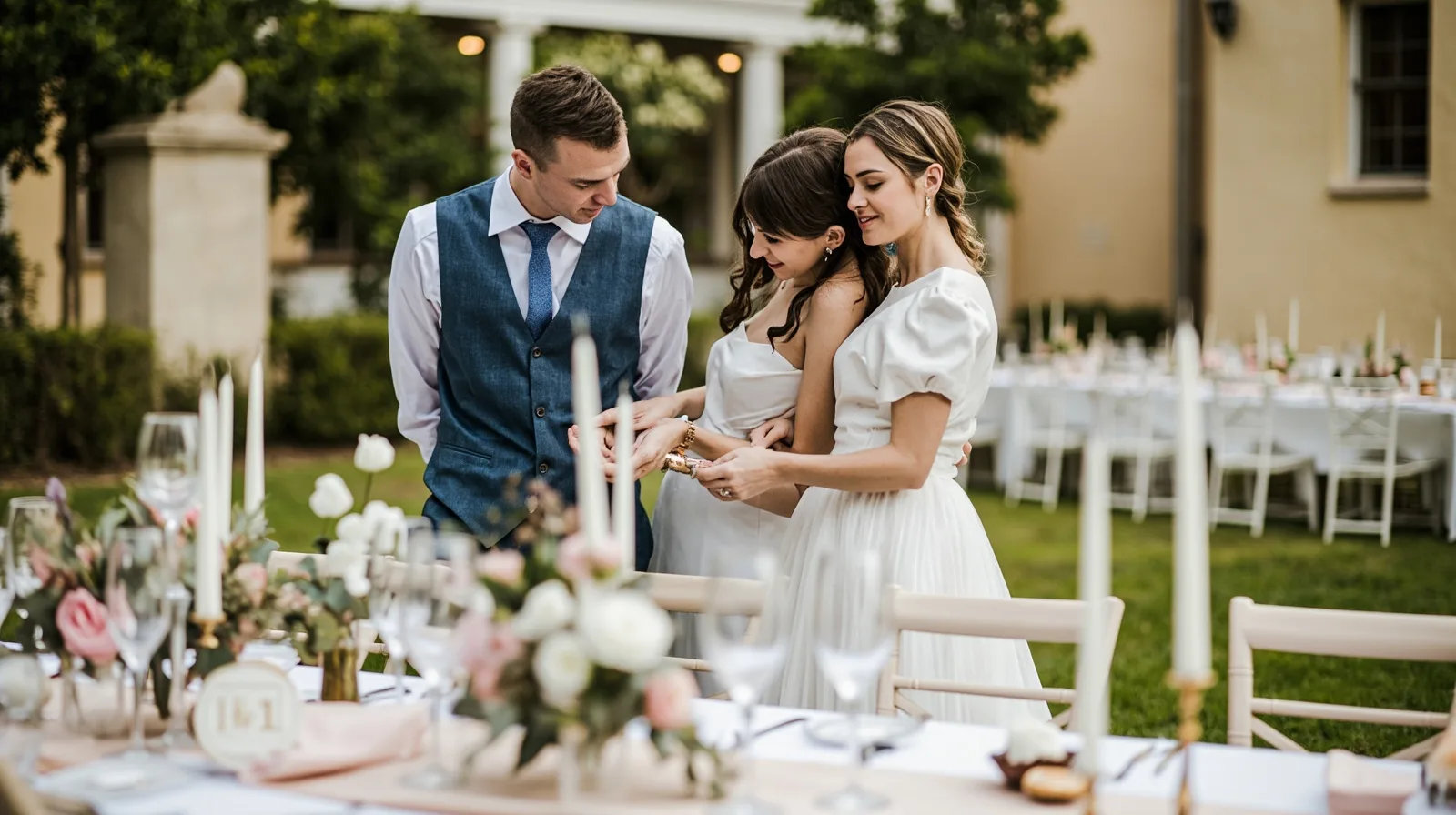
The wedding-event template and QREasy’s role
QREasy combines a small website builder, free QR tools, and digital business cards for Apple Wallet and Google Wallet. For an event professional, you can choose a template, add supported sections, arrange them, and publish a web address that you can share as a link or QR code. The cards and website are related but perform different tasks.
The premium weddings and events template is intended for sharing celebrations, planning details, and availability. It contains three pages, not one, and begins with editable Text, Links, and Contact blocks. You can preview the weddings and events website template before building. Its sample names, businesses, images, and services are fictional demonstrations, not customer stories or evidence of results.
Using this template requires Lite SME or Business. That requirement is separate from Wallet: the template is paid even if you never create a card. Because page count, website count, QR allowances, and analytics history vary by plan, compare QREasy plans before deciding which paid option fits your publishing needs.
Edit the three-page structure and add useful sections
When editing, keep the default blocks distinct from anything you add. Text holds descriptions and headings; Links holds calls to action and external destinations; Contact presents contact details. These starting blocks do not create a scheduler, registration flow, service grid, or client-management system. Add a new section only when it helps a visitor understand the offer or choose what to do next.
Other supported sections can make the site more informative. Products can present styled offerings, Gallery can show setup work and atmosphere, and Events can list occasions or dates. These are presentation blocks, not built-in checkout, stock control, calendar availability, or automated reply systems. For a different visual starting point, review the QREasy website templates, then return to the three-page wedding structure.
A useful editorial plan is to use the pages for an introduction and services, visual work and offers, and contact details with next steps. This is a suggested content strategy rather than a fixed QREasy layout. Replace every fictional sample, use your own photographs, and keep the main action easy to find on mobile.
- Text: Explain your planning approach, packages, service area, and working process.
- Links: Add labelled actions for phone, email, WhatsApp, social profiles, or an external booking service.
- Contact: Show current contact details and the clearest way for visitors to respond.
- Gallery: Use photographs of ceremonies, tables, bouquets, and setup details to demonstrate your style.
Separate free sections, premium blocks, and template access
Free website sections include Restaurant menu, Links, Products, Gallery, Text, Contact, Social, Save Contact, and Events. For wedding organizers, ordinary Text and Gallery blocks can describe services, planning methods, and past work without relying on premium layouts.
Premium layouts and section types require Lite SME or Business to publish. Examples include service-grid, profile, team-grid, testimonials, FAQ, publications, process, locations, statistics strips, before-and-after, editorial image treatments, and image sliders. They may be drafted on Free, but a Free site cannot publish those premium blocks. Use only accurate, substantiated content in any block you add.
The premium template and individual premium sections are separate decisions. Free includes one website and up to one page per website, while the three-page weddings and events template needs Lite SME or Business. Free websites may still use free Products, Gallery, and Events sections. Confirm access before promising a service grid, editorial gallery, profile, or slider.
Connect QR codes and Wallet cards to the site
QR delivery is separate from page design. A static URL QR contains one fixed address, and the content served there can change without changing or reprinting the code. A dynamic QR uses a managed redirect whose destination can be changed subject to plan limits. Explore the QREasy QR code generators to select the right format, while remembering that no QR type guarantees scanning on every device.
A website-linked Wallet card can also lead people to the site. Its QR encodes the website URL, so scanning opens the site in the phone’s browser rather than running it inside Wallet. Google Wallet also includes a Visit Page link. A contact-focused card instead helps recipients review and save contact details, so choose the card journey according to whether contact exchange or website discovery matters more.
Website-linked Wallet cards require Lite SME or Business. This is separate from the premium template requirement, so do not describe one as the cause of the other. Learn more about QREasy to understand how cards, websites, and QR tools fit together, then check the plan for website, page, dynamic-QR, and analytics limits.
- Static URL QR: Keep one printed code when the destination address stays the same.
- Dynamic QR: Change a redirect destination within the allowances of the selected plan.
- Edited page: Update hosted content at the same address without changing the encoded URL.
- New URL: Replace a static QR when the address encoded in the code itself changes.
Add enquiry and booking links without overstating QREasy
QREasy websites do not include a native customer contact form, enquiry-submission inbox, appointment scheduler, calendar availability, or automatic reservation confirmation. Use Links and Contact to direct visitors to a phone call, email, WhatsApp conversation, or booking page operated by another provider. An enquiry opens a channel; it is not automatically a confirmed reservation.
An external provider may offer booking confirmation under its own rules, and QREasy does not determine how that system works. Test the destination on mobile and desktop, confirm that it recognizes the intended service, and describe only what the provider actually does. Do not claim that the QREasy site itself sends confirmations, manages inventory, processes payments, or maintains a property CRM.
These limits do not stop a consultant from offering scheduling, deposits, payments, or other services through independent business processes. If you provide them, explain them accurately and link to the appropriate destination. For launch, replace all sample material, publish, test every button and QR route, and review the address when packages, contact details, or availability information change.
- Label actions precisely: Call, Email, WhatsApp, or View gallery describe the immediate destination.
- Treat Book now as external-provider dependent unless your own process clearly defines the outcome.
- Keep the main contact action visible on every relevant page, especially on mobile.
- Recheck external destinations after changes because availability and rules belong to the provider.