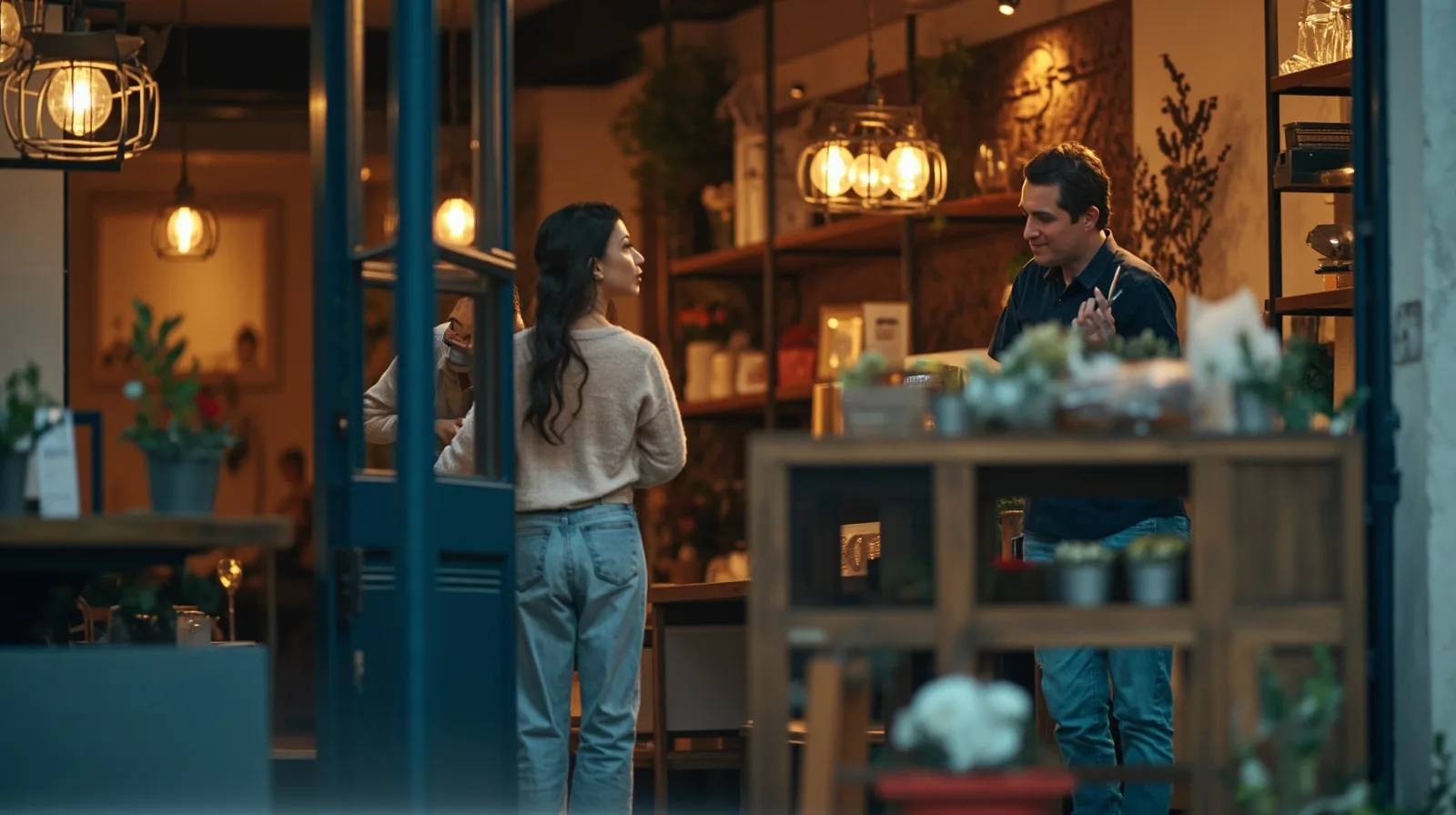
Choose a template by its customer journey
Start with the visitor’s goal rather than appearance alone. A restaurant may need a menu and booking link; a beauty salon may need service descriptions, photos and contact actions; a consultant may need a profile, an explanation of past work and a way to get in touch. The small-business template guide provides a useful decision framework for comparing those needs.
Check what a template already contains before planning additions. The business-card template starts with Save Contact, Contact and Links, not a prebuilt services area. The Event template starts with editable Text, Links and Contact, not scheduling or registration. For a consultant, add ordinary Text and Gallery sections to present a profile and past work. A restaurant-focused selection can be explored in this practical restaurant template guide.
- Restaurant: prioritize Restaurant menu, Gallery, Contact and an external booking link.
- Beauty salon: describe services in Text, show work in Gallery and add contact actions.
- Consultant: use Text for a profile and expertise, Gallery for past work, and Links for next steps.
- Event business: keep key details in Text and route enquiries through Contact or Links.
Understand free and premium sections
The free layer is broader than a single contact page. Free section types include Restaurant menu, Links, Products, Gallery, Text, Contact, Social, Save Contact and Events. This means a Free website can describe services, explain past work and display photographs; premium blocks such as Service Grid, Profile or Editorial layouts are not included on Free.
Paid section types open more visual, proof and business-detail formats. They may be prepared before a plan upgrade, but they cannot be published on a Free website. Decide which additions would materially improve the visitor experience, then compare them with the plan limits before editing.
- Premium section types include music, video, channels, downloads, cta, image, premium-gallery, service-grid, faq, publications, credibility-strip, locations, stats-strip, before-after, profile, team-grid, testimonials, process and technology-list.
- Editorial layouts and image sliders also require Lite SME or Business to publish.
- Premium sections can be drafted before upgrading, but cannot be published on Free.
- A Free site can still present services and past work through ordinary Text sections and photos through Gallery.
Compare Free, Lite SME and Business
Compare the QREasy plans by website count, page depth, QR capacity, analytics history and Wallet access. The right choice is the smallest setup that covers the number of sites, paid sections and linked Wallet cards you need.
Free fits a single, simple site and a contact card. Lite SME adds website-linked Wallet cards, more sites and longer analytics history. Business provides the largest website and page allowances in this comparison. Check current plan details before purchase, especially if you depend on premium sections or multiple linked cards.
- Free: EUR 0.00 monthly or EUR 0.00 annually. Includes 1 website with up to 1 page, 1 dynamic QR code, unlimited static QR codes, 7 days of analytics history and Contact Wallet cards. A website-linked Wallet card needs Lite SME or Business.
- Lite SME: EUR 2.99 monthly or EUR 28.70 annually. Includes 3 websites with up to 4 pages each, 50 dynamic QR codes, unlimited static QR codes, 90 days of analytics history and website-linked Wallet cards.
- Business: EUR 9.99 monthly or EUR 95.90 annually. Includes 33 websites with up to 10 pages each, 357 dynamic QR codes, unlimited static QR codes, 90 days of analytics history and website-linked Wallet cards.
Edit, publish and update the same address
QREasy hosts editable small websites. Choose a template, add and arrange supported sections, enter text and images, include services, contact details or links, then publish. Visitors need internet access to open the site. The result is a hosted address you can share in the same places as your other customer-facing links.
Updates do not require a new site when the website address stays the same. Edit the content or arrangement, publish again, and the existing address can display the revised information. A static URL QR can therefore continue to point to that address while the hosted page changes. Only a deliberate change to the encoded URL would require replacing a static QR.
Keep the distinction clear: changing what appears at a fixed URL is a content update; changing where a QR sends people is a destination change. Plan the address before printing materials, and avoid unnecessary URL changes that would make existing printed codes less useful.
Connect QR codes and Wallet cards
QR codes support different update paths, so choose the type based on what may change. The QREasy QR code generators can create a code for a stable website address, while dynamic codes add a managed redirect. Neither static nor dynamic codes guarantee scanning on every device, so test them in the situations where customers will use them.
Wallet cards create a separate path. QREasy provides digital business cards for Apple Wallet and Google Wallet; recipients can either review and save contact details, or open a QREasy website, depending on the type of Wallet card. Use the digital business card creator for contact-card workflows. Contact Wallet cards and the first one-page website are free, while website-linked Wallet cards require Lite SME or Business.
For a website-linked Wallet card, the QR encodes the website URL. Scanning opens that site in the phone browser, not a website running inside Wallet; Google Wallet also provides a Visit Page link. Do not confuse this browser destination with the contact-saving journey available for contact cards.
- A static URL QR contains a fixed URL. The content served at that URL can change, including a hosted webpage or a PDF replaced at the same URL.
- A dynamic QR uses a managed redirect whose destination can change without reprinting, subject to plan limits.
- A hosted website does not need a dynamic QR merely because its content will be edited; static URL QR also differs from embedded static vCard data.
Route enquiries and reservations externally
Restaurant and beauty templates can direct visitors to phone, email, WhatsApp or an external booking link. These actions open the relevant external channel. A phone, email or WhatsApp message may start an enquiry, but it is not itself a confirmed reservation.
An external booking provider may confirm reservations under its own rules. QREasy does not determine that provider’s functionality. Likewise, an external form is only a link to a separate provider already used by the business; QREasy does not include a native customer contact form or enquiry submission inbox.
QREasy websites do not natively manage appointment availability, inventory, automated confirmations, ordering, checkout, payment processing or a property CRM. This describes the website platform, not the wider service a business may provide independently. Consultants can offer scheduling, payment or other services through their own processes.
- Use phone, email and WhatsApp actions for enquiries when they suit the business.
- Link to an external booking provider for the business’s confirmed reservation process.
- Do not describe an external link as a native QREasy form, scheduling system or registration inbox.
- Make the destination clear so customers know which external channel will handle the next step.