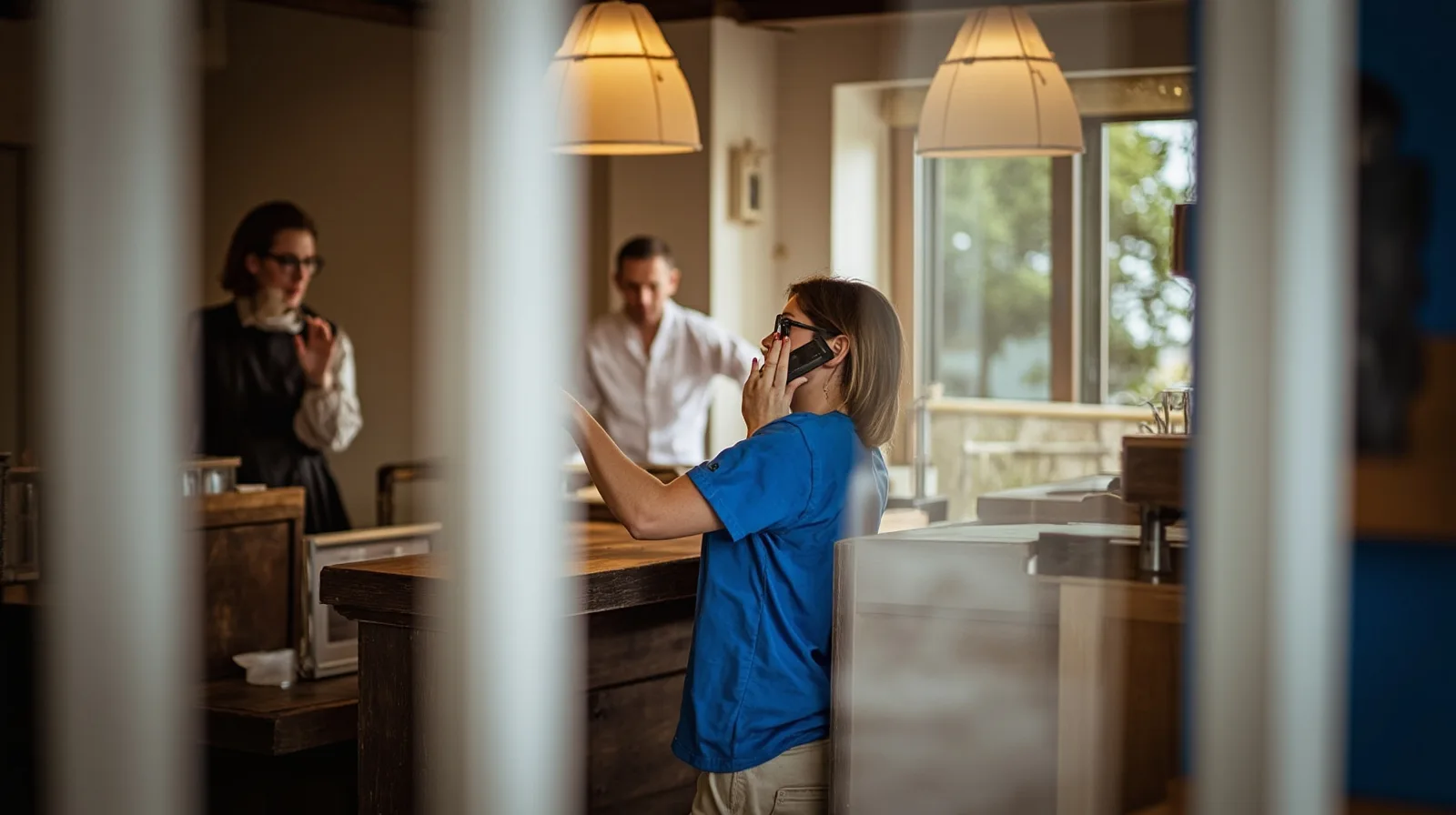
Creating a QR code for phone calls gives customers a direct path from a card, sign, package, or event handout to your business number. Instead of asking them to read and type digits, the code opens the phone’s dialler with the number already filled in. The recipient remains in control and decides whether to place the call.
This guide explains how to create a phone-call QR code step by step, how static and dynamic versions differ, and what to check before printing. It also shows how to update the destination of a dynamic code without replacing printed material, making the format useful for businesses, professionals, and teams whose contact details may change.
Key takeaways
The scan opens the dialler with the configured number; it does not automatically place the call
A static code contains the number, so a changed number requires a new code and replacement of printed copies
Many professionals struggle to choose between a microsite and a landing page. This guide explains the key differences and shows why a microsite is often the better fit for building a simple, professional, and always-on digital presence.
QREasy helps you reduce follow-up friction in two ways: let people save your contact instantly to their phone contacts with a vCard QR, or keep your micro page in Apple Wallet or Google Wallet so you can open it anytime and let people scan through to your fuller digital identity.
Prepare accurate property photos, descriptions, and viewing access steps for a QREasy real-estate microsite, separating confirmed details from items to verify at the viewing.
A microsite is a compact, focused digital presence built to explain who you are, what you offer, and what people should do next. This guide explains the definition, benefits, examples, and differences between micro pages, microsites, landing pages, and full websites.
A link in bio page is useful when you mainly need a simple hub for social links. A micro page or microsite is the better choice when you need a stronger branded presence that explains who you are, what you offer, and what people should do next.
A dynamic code requires a QREasy account and one dynamic QR from the selected plan; its number can change without reprinting
Test the number and scan experience on real phones before deploying the code widely
What happens when someone scans a phone-call QR code?
A phone-call QR code uses a telephone link, commonly written as `tel:`, with the intended number attached. When a compatible phone camera reads it, the operating system opens the dialler and inserts that number. The user sees the call screen and can confirm, cancel, or start the call; scanning alone does not connect them.
This final confirmation is important. The QR reduces manual typing and shortens the route to a call, but it does not override the recipient’s choice or consent. Place the code where calling is useful, and make the nearby action clear so people understand that scanning prepares a call rather than placing one immediately.
Choose between a static and a dynamic phone QR code
The main decision is whether the number must remain fixed or may change after the code is printed. A static phone QR encodes the number directly. A dynamic phone QR uses an account-based destination, so the same printed code can continue to open the dialler with a different number after the destination is updated.
For a permanent office line, static is usually enough. If the number belongs to a short-lived campaign, a reused event badge, or a professional whose contact details can change, dynamic reduces replacement work. Decide by the required lifespan and update frequency, not by the appearance of the two codes.
Static: simplest when one business number stays the same for the life of the printed material.
Dynamic: useful for temporary campaigns, changing departments, or a number that may move; it requires a QREasy account and consumes one dynamic QR code from the plan.
Fixed versus editable: choose static for a permanent, self-contained code; choose dynamic when you need to update the number without reprinting every copy.
Scan this code with your phone camera to open the QREasy phone call QR code page.
Create the phone-call QR code step by step
QREasy provides free QR tools; you can browse the available QR generators before choosing the phone-call workflow. Use the dedicated phone-call workflow rather than a generic link if you want the scan to open the dialler. The practical phone-call QR guide provides a useful reference for the same workflow.
Keep the printed code and its destination details together in your workflow. If the code is dynamic, record which QREasy account and dynamic QR entry it belongs to. That identification makes later number changes easier and reduces the chance of updating the wrong campaign or location.
1. Choose the format. Select a static code for a fixed number. For an editable destination, sign in or create a QREasy account and use one of your plan’s dynamic QR codes.
2. Enter the number. Type the telephone number in a dialable format and include the country code when recipients may be outside the country where it is published.
3. Check the destination. Confirm that the number represents the intended business or team line.
4. Generate and place the code. Create the QR, then save or print it at a size that can be scanned from the distance where a person will use it.
5. Test before rollout. Scan it with the phone models and cameras available to you, confirm the dialler shows the right number, and only then distribute it.
Verify the code and choose where to use it
Verification should cover both the digital link and the physical placement. Open the generated code with a phone camera, check that the dialler contains the expected country code and number, and make or cancel the test call as appropriate. Then inspect the printed code from the likely scanning distance and under the lighting where it will be used.
The call QR code use cases show how the same basic action can support menus, leaflets, reception areas, packaging, and event materials. Those examples are illustrative: the right location depends on how long people have to scan and whether a nearby label clearly invites them to call.
Before wider use, ask a colleague to scan a fresh copy rather than relying only on the device used to create it. This catches ambiguous placement, a low-resolution copy, or a number entered in the wrong format, none of which require changing the underlying QR design.
Manage a changed phone number
For a static QR, the printed code contains the old number permanently. To change that number, create a new static phone QR with the new destination, test it, and replace every affected printed copy. Retiring or covering an old code is important because any remaining copy will still open the dialler with the number it originally encoded.
For a dynamic QR, open the relevant entry in your QREasy account, change the associated telephone number, save the update, and scan the existing code again. Because the destination can change without reprinting, office signage, event cards, and other materials can remain in place. The create-and-update guide walks through this distinction.
After any dynamic change, test the already printed code and keep a simple record of the active number, responsible person, and update date. If multiple codes point to different campaigns, label those records clearly so a temporary destination is not left active longer than intended.
Choose the account and plan that match your needs
An account is required for a dynamic phone QR because it uses one of the plan’s dynamic QR codes. The Free plan also includes unlimited static QR codes, which are separate from the dynamic allowance. Review the QREasy plans when deciding how many editable phone destinations you need; the relevant differences are dynamic-code capacity and analytics-history length.
Start with the number of distinct dynamic destinations you expect to create, then allow room for campaigns that may require their own codes. Free is sufficient for a single editable phone QR. Lite SME supports a larger set of dynamic destinations, while Business provides the highest listed dynamic-code capacity. Annual pricing is shown as the total annual amount, not a monthly equivalent.
Free: EUR 0.00 monthly or EUR 0.00 annually; 1 dynamic QR code; unlimited static QR codes; 7 days of analytics history.
Lite SME: EUR 2.99 monthly or EUR 28.70 annually; 50 dynamic QR codes; unlimited static QR codes; 90 days of analytics history.
Business: EUR 9.99 monthly or EUR 95.90 annually; 357 dynamic QR codes; unlimited static QR codes; 90 days of analytics history.
Frequently asked questions
No. It opens the phone’s dialler with the configured number already filled in. The recipient must choose to start the call, so the QR does not automatically place a call or bypass the normal confirmation step.
Use static when the number is fixed and a new code can replace old printed copies. Use dynamic when the number may change and you want to update the destination without reprinting. Dynamic codes require a QREasy account and use one of the dynamic QR codes included with the selected plan.
Yes for a dynamic phone QR: update the number associated with its destination, save it, and test the existing printed code. A static code cannot be edited in place; you must generate a new code and replace the printed version wherever it appears.
A paid plan is not required to start. The Free plan includes one dynamic QR code, unlimited static QR codes, and 7 days of analytics history. Choose Lite SME or Business if you need more dynamic codes or the longer 90-day analytics history listed in those plans.
Get started
Create a phone-call QR code
Choose static for a fixed number or dynamic for one you can edit later, then generate and test the code before printing.
A WiFi QR code lets guests connect to a wireless network by scanning a code instead of typing the network name and password. This guide explains how it works, what information it contains, how to use it safely, and how to create one with QREasy.
A micro page is a compact digital identity page that brings your most important links, contact details, social profiles, documents, maps, and QR codes into one easy-to-share place.