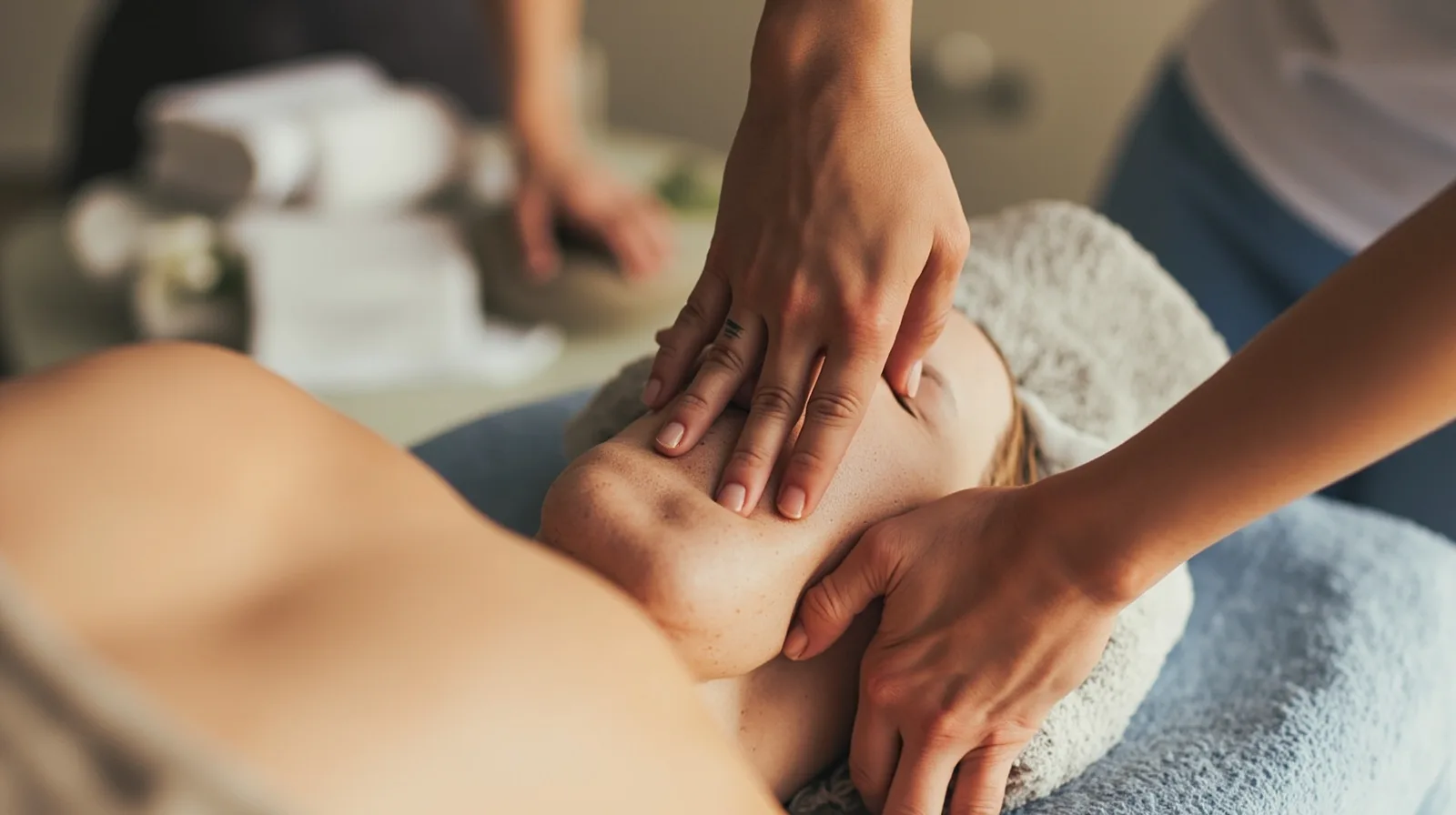
The massage template at a glance
QREasy’s massage and wellness template starts with three pages, so it should be evaluated as a small multi-page site rather than a one-page landing page. Review the three-page massage and wellness template preview. The sample business and content are fictional demonstrations, not testimonials, results, or a template for a real customer.
Using this premium template requires Lite SME or Business. That condition comes from the template itself, independently of whether you create a Wallet card. QREasy also provides a small website builder: choose a template, add and arrange supported sections, then publish.
When comparing options, the broader QREasy website templates can help you assess layout fit. For this workflow, focus on a simple decision path rather than adding every available block.
Plan the three pages around client decisions
Use the three-page structure as an editorial plan. Page one can introduce the practice, summarize suitable treatments, and place a prominent contact or booking link. Page two can give more detail on services, preparation, and practical information. Page three can combine a gallery, a team or profile area, and repeated contact options.
This is a recommended structure, not a claim about preloaded sections. The template contains three editable pages, but you control which supported sections appear. Distinguish blocks that arrive with the template from text, gallery, or other sections you add afterward.
- Home: explain what the practice offers without turning the page into a long catalogue.
- Treatments: name each service clearly; add duration, price, or preparation notes only when confirmed.
- Practice and people: show the setting and people through authentic images and factual descriptions.
- Contact: place the preferred enquiry route near the end of each page, not only in the footer.
- Across pages: use links to help visitors move between the three pages and to an external booking provider.
Present services, images, and contact details
On a Free website, ordinary Text sections can describe services and past work, while Gallery sections display photos. A simple Free site can therefore communicate what a massage practice offers without using premium Service Grid or Profile blocks.
Service Grid, Profile, Team Grid, Before/After, FAQ, Testimonials, premium-gallery, and editorial layouts or image sliders are premium section types. They may be drafted before an upgrade, but they cannot be published on the Free plan. Check each block’s status rather than assuming that every template control is available.
- Service text: keep each treatment name and description understandable without relying on the image.
- Photography: use clear, original pictures of the room, people, products, and treatment actions.
- Image context: identify the treatment, person, or setting only when the description is accurate.
- Contact block: include a phone number, email address, and other details the practice actually monitors.
- Plan check: save the page, then confirm that all intended sections remain publishable.
Organise enquiries and external booking paths
For a massage and wellness site, use the phone, email, WhatsApp, or external booking-link actions offered by the template. Each action opens the relevant external channel. If the business already uses a hosted enquiry form, QREasy can provide a link to that provider, but QREasy itself does not supply a native enquiry form or submission inbox.
A phone, email, or WhatsApp message is an enquiry, not a confirmed reservation. An external booking provider may confirm appointments under its own rules, but QREasy does not manage calendar availability, automated confirmations, checkout, payment processing, inventory, or a property CRM. A practice may offer those services independently.
- Choose one main route: for example, a booking-provider link, WhatsApp, phone, or email.
- Label actions honestly: request an appointment when only an enquiry is possible; use book now only when the linked provider supports booking.
- Add a fallback: keep a monitored phone or email address available if the external link is unavailable.
- Test every route: open each link on the published page and confirm that it reaches the intended provider.
- Avoid duplication: keep one verified enquiry route (a provider link, phone, email or WhatsApp) instead of several overlapping ones; QREasy does not host a native contact form.
Distinguish websites, QR codes, and Wallet cards
A hosted QREasy website and a QR code solve different problems. The website address can show updated content after editing. A static URL QR contains a fixed destination: a hosted webpage or PDF can change at the same URL without changing or reprinting the code, but changing the encoded URL requires a new QR. Editing a hosted site therefore does not automatically require a dynamic QR.
A dynamic QR uses a managed redirect, so its destination can be changed without reprinting, subject to plan limits. Neither static nor dynamic QR codes guarantee scanning on every device. Use the QREasy QR code generators to create the code, and test it in the contexts where clients will encounter it.
Wallet cards add another route. A contact Wallet card can share contact details, while a website-linked Wallet card can open a QREasy site in the phone browser; the site does not run inside Wallet. Google Wallet also provides a Visit Page link. Do not confuse a static URL QR with embedded static vCard data.
- Contact Wallet card: suitable for saving contact details and included with Free.
- Website-linked Wallet card: opens the hosted website and requires Lite SME or Business.
- Static URL QR: points to one encoded address and may use unlimited static codes on the listed plans.
- Dynamic QR: uses a managed redirect and remains subject to the plan’s dynamic-code allowance.
Check premium access, publishing, and prices
Premium access and publishing limits are separate checks. The massage template requires Lite SME or Business regardless of Wallet use. Free supports one website with one page, so it cannot use this three-page template even though ordinary Text and Gallery content is available. Website access also requires an internet connection.
Before publishing, verify that every intended block can be published on the chosen plan. Then review service wording, image accuracy, navigation, contact details, and external booking routes. Publish the site and open its address on a phone, because the QR and Wallet paths ultimately depend on that hosted URL.
Use the practical massage practice website template guide for another editorial checklist, then confirm commercial details on QREasy plans. Plan prices, limits, and included features determine whether the template, premium sections, and website-linked Wallet cards fit together.
- Free: EUR 0.00 monthly or EUR 0.00 annually; 1 website, up to 1 page, 1 dynamic QR code, unlimited static QR codes, 7 days of analytics history, and contact Wallet cards.
- Lite SME: EUR 2.99 monthly or EUR 28.70 annually; 3 websites, up to 4 pages each, 50 dynamic QR codes, unlimited static QR codes, 90 days of analytics history, and website-linked Wallet cards.
- Business: EUR 9.99 monthly or EUR 95.90 annually; 33 websites, up to 10 pages each, 357 dynamic QR codes, unlimited static QR codes, 90 days of analytics history, and website-linked Wallet cards.