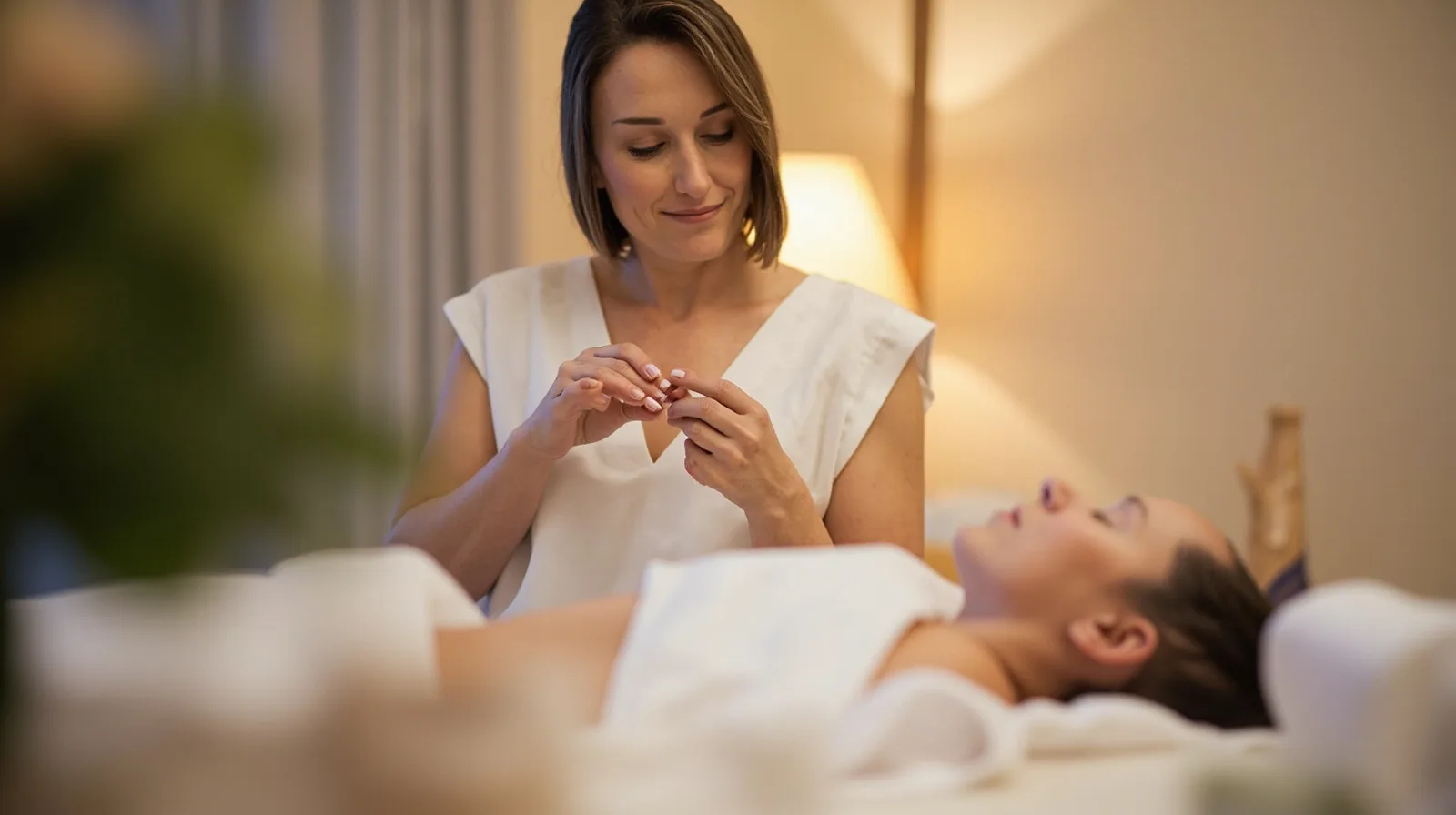
What the Massage & Wellness Template Offers
The template’s purpose is straightforward: help clients choose a treatment and a suitable time. Its three pages provide a polished starting structure rather than a blank site. The supplied names, descriptions, images, and businesses are fictional demonstrations only; they are not customer stories, testimonials, or evidence of results. Replace them with accurate information before publishing.
Treat the pages as a decision path rather than a fixed script. One page can introduce the studio and treatment categories, another can explain individual treatments, and a third can cover practical details and contact options. This is an editorial approach for adapting the preview, not a claim that every business must retain the same labels. Clear structure helps a visitor move from interest to an appropriate next step.
- Orient visitors: introduce the studio, setting, and main treatment categories.
- Support choice: explain treatment purpose, duration, suitability, and preparation.
- Prompt action: provide a clear contact or external booking route.
Edit Content, Images, Services, and Contact Details
Owners can edit text and images, add and arrange supported sections, and include service information, galleries, contact details, and links. Ordinary Text sections can describe treatments or past work, while Gallery can display photographs. Distinguish what is already included in the massage template from anything you add, and check the QREasy website templates collection when comparing alternative starting points.
After publishing, edits can appear at the same website address, so routine copy or image changes do not require a new link. Internet access is needed to open the hosted site. On Free, ordinary Text and Gallery sections are available, but premium blocks such as Service Grid, premium-gallery, before-after, and testimonials require Lite SME or Business to publish. The massage template itself already requires one of those paid plans.
For a related editorial check before launch, use the Massage Salon Website Template guide to review structure, treatment detail, and next steps. Keep the published version focused rather than filling every available section.
- Name each treatment clearly and state what a visitor can expect.
- Use relevant images that show the real setting, people, or work.
- Keep service descriptions accurate and separate ordinary text from premium blocks.
- Check phone, email, WhatsApp, and external links before publishing.
Explain Timing Without Implying Native Booking
Timing information can include treatment length, typical arrival windows, preparation instructions, and when to book. If availability varies, direct visitors to the external booking provider that manages the real schedule. The template can help someone choose a suitable time, but it does not provide live appointment slots, calendar availability, native scheduling, or automated booking confirmations.
Label every action accurately. A telephone, email, or WhatsApp button opens that channel; it does not itself confirm a reservation. An external booking link may allow the provider to confirm reservations under its own rules. QREasy has no verified native enquiry form or enquiry inbox, so do not describe a contact form as if submissions arrive in QREasy. The business may still use its own scheduling and payment processes independently.
If the studio already uses a separate form or booking service, link to it and identify it as an external service. Avoid presenting a generic enquiry link as an instant appointment. Labels such as Call, Ask about a treatment, Message on WhatsApp, and Book with our provider set expectations before the visitor leaves the website.
- State typical treatment duration and any preparation needed.
- Explain arrival and after-treatment guidance in plain language.
- Separate routine opening information from live availability.
- Tell visitors which external channel confirms reservations.
Static and Dynamic QR Codes
A static URL QR encodes a fixed address. If the content behind that address changes, the code can remain in print because it still leads to the same URL. A new static code is needed only when the encoded URL itself changes. This matters for a hosted QREasy website: editing its content does not by itself require a dynamic QR or a reprint.
A dynamic QR uses a managed redirect, so its destination can change without reprinting, subject to the plan’s limits. Neither type guarantees scanning on every device. Do not confuse a static URL code with embedded static vCard data: one opens a web address, while the other contains contact data. Use the QREasy QR code generators to create the appropriate code and test it on the devices visitors are likely to carry.
For a business card, poster, or treatment-room sign, choose according to how stable the destination will be. A static URL code is simple when the site address will not move. A managed redirect is more flexible when the destination must change independently, but check dynamic-code allowances before publishing and keep any printed destination details consistent with the live page.
- Content change, same URL: keep the existing static code.
- Encoded URL change: replace and reprint the static code.
- Changeable destination: consider a managed redirect.
- Before distribution: test scanning on representative phones.
Plan Access and Website-Linked Wallet Cards
Using the Massage & wellness template requires Lite SME or Business. That requirement is separate from Wallet activity: the template remains a paid-template feature whether or not the business creates a Wallet card. Contact Wallet cards and the first one-page website are free, but a Wallet card linked to a QREasy website requires Lite SME or Business. Compare the current allowances on the QREasy plans page before choosing.
A website-linked Wallet card’s QR encodes the website URL. Scanning it opens the site in the phone browser, not a copy of the website running inside Wallet; Google Wallet also provides a Visit Page link. A contact-only card follows a different journey: recipients can review and save contact details. Keep these actions distinct in printed material so visitors know whether they are saving a contact or opening a website.
Because the massage template has three pages, confirm the chosen plan can accommodate the published structure. Lite SME permits up to four pages per website, while Business permits up to ten. If a printed static code opens the site and you later change the site address, replace the code; if the address stays the same, routine page edits do not require new printing.
- Template access: Lite SME or Business.
- Website-linked Wallet card: Lite SME or Business.
- Free access: contact Wallet card and first one-page website.
- Publish three pages within your plan’s page allowance.