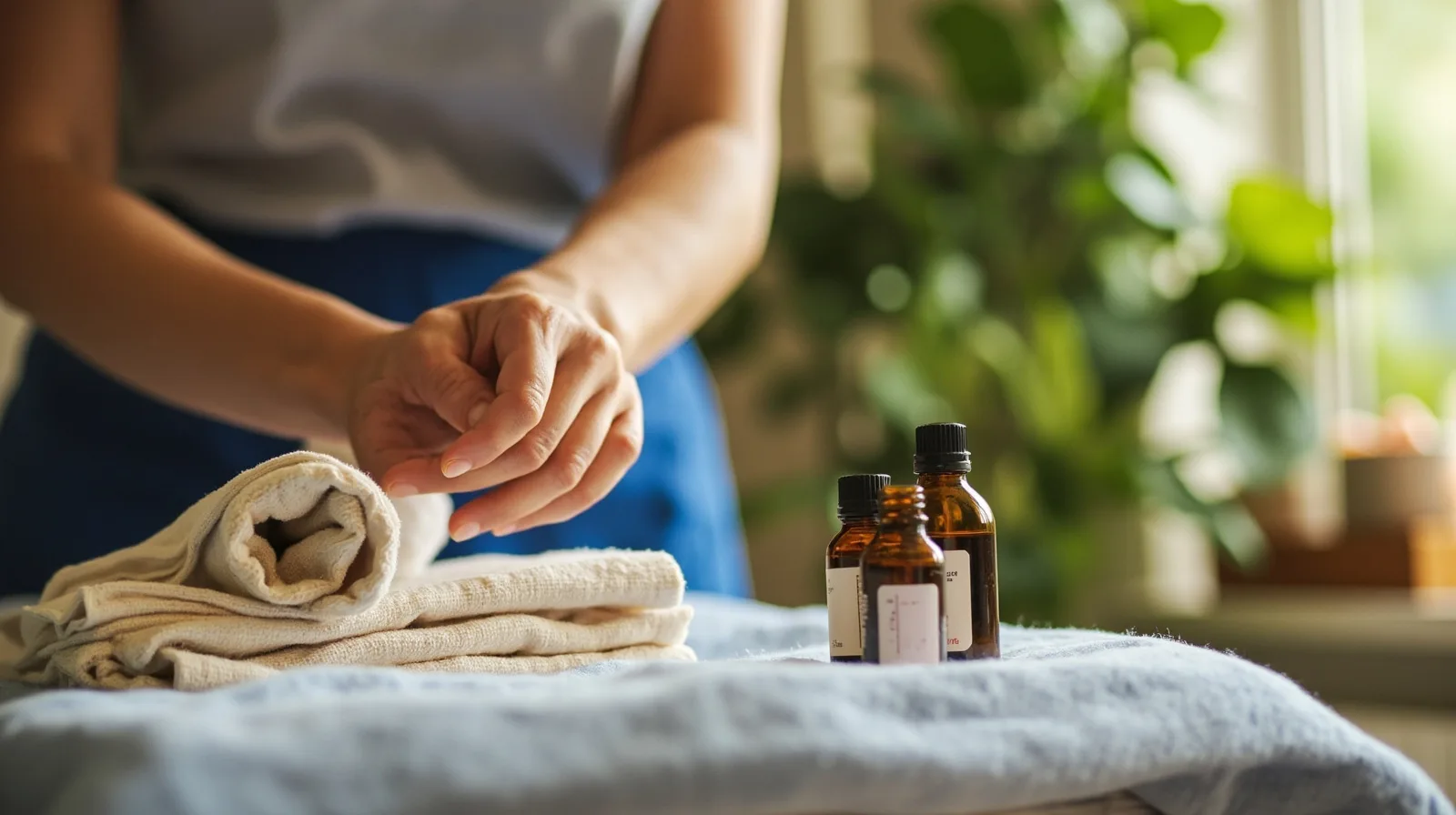
What the Massage & wellness template includes
A strong massage center website should help visitors identify treatments, understand the setting, and find a clear contact route. The QREasy Massage & wellness template provides an editable three-page starting point for this purpose. Before rebuilding it, preview the Massage & wellness website template and check which blocks are already present rather than assuming every visible element is a separate feature.
Once you choose the template, you can add and arrange supported sections containing text, images, services, contact details, and links, then publish the site. A published address can later display revised content. The template’s default is three pages, and visitors need an internet connection to open the hosted pages.
Free sites can use Text, Gallery, Contact, Social, Links, Save Contact, and other free sections. Premium blocks—including Service Grid, FAQ, Profile, before-and-after, testimonials, editorial layouts, and image sliders—require Lite SME or Business before publication. Both are covered by the same plan gate: the Massage & wellness template and the premium blocks (Service Grid, FAQ, Profile, before-and-after, testimonials, editorial layouts, and image sliders) all require Lite SME or Business, so one paid plan unlocks the template and its premium blocks.
How to present treatments, services, and previous work
Start with a treatment list that a real visitor can scan. For each service, write a plain-language name, a short description, who it is intended for, what the session involves, and what the client should prepare or ask beforehand. Keep prices, timing, and availability either current or omitted. On a Free site, ordinary Text sections can carry this information; the premium Service Grid offers a more structured presentation.
For a more designed catalogue, use the premium website template guide for massage studios to plan a consistent sequence of service sections. Link each treatment description to the center’s own contact route or external booking page, but label the destination accurately so visitors know they are leaving the QREasy site. Do not imply that choosing a treatment automatically reserves a session.
Use Gallery for photographs of the actual rooms, products, treatment process, and team, and describe previous work in Text or Gallery when you have permission to show it. Captions should explain context rather than promise outcomes. Before-and-after is a premium section, not a free gallery feature, and fictional sample copy should remain clearly illustrative rather than presented as a client result.
Adding contact details, social profiles, and external links
Add the center’s real phone number, email address, WhatsApp contact, opening information, and social profiles through the relevant contact and social sections. A Save Contact section provides a direct contact-saving route, while Links can point to maps, booking pages, social profiles, or other external destinations. Test every action on a phone before publishing, especially phone and WhatsApp links.
For booking, use a link to an external provider that the business already trusts and understands. The visitor will open that provider’s own site or app, where reservations may be confirmed under its rules. A phone call, email, or WhatsApp message is an enquiry, not a confirmed reservation. The practical massage salon website guide can help organize these routes without presenting them as native booking tools.
If the center also uses a contact form, link to that form on its separate provider and explain where the information will be sent. QREasy does not receive the submission or place it in a native enquiry inbox. Avoid wording such as send an enquiry through this website if the form actually opens elsewhere; use send an enquiry through our form provider or similar language.
Opening the website from a QR code or Wallet card
A static URL QR is often the simplest choice for a published QREasy website. It encodes one fixed address, so the linked content can be edited without changing or reprinting the code. If the encoded address itself must change, create a new static QR. Editing the hosted page does not by itself require a dynamic QR.
A dynamic QR instead uses a managed redirect, whose destination can be changed without reprinting, subject to the plan’s limits. Use the QREasy QR code generators to choose the appropriate workflow, then test the final destination in the browser. Neither static nor dynamic QR codes guarantee that every device will scan them.
When a Wallet card contains the website address, scanning its QR opens the website in the phone browser; it does not run the site inside Wallet. Supported Wallet recipients can save contact details, and Google Wallet also provides a Visit Page link. A static URL QR should not be confused with QR data that embeds a static vCard, because those are different destination flows.
What QREasy does not handle for enquiries and bookings
QREasy websites do not include a verified native customer contact form or enquiry submission inbox. A form mentioned on the site is therefore an external service reached by a link, not a form handled by QREasy. The distinction matters when writing calls to action, because visitors need to know whether they are messaging the center, opening an email, or using another provider.
The platform also does not provide native appointment scheduling, calendar availability, automated confirmations, inventory, ordering, checkout, payment processing, or a CRM. These are website-function boundaries, not restrictions on what a massage business can arrange independently. A massage center or spa can run its own scheduling and payment systems, but those processes must be connected to the website through external links or direct contact methods.
An external booking service may confirm appointments, accept payments, or send reminders according to its own functionality and policies; QREasy does not control or guarantee those actions. Likewise, sending a message by phone, email, or WhatsApp does not itself confirm a slot. State the next step plainly—enquire, call, or open the booking provider—rather than promising a completed reservation.
Plan requirements and steps to publish
Use QREasy plans and limits to check current allowances. Free provides one website with up to one page, one dynamic QR, unlimited static QRs, and seven days of analytics history for €0.00 monthly or annually. Lite SME provides three websites with up to four pages, 50 dynamic QRs, unlimited static QRs, and 90 days of history for €2.99 monthly or €28.70 annually. Business provides 33 websites with up to ten pages, 357 dynamic QRs, unlimited static QRs, and 90 days of history for €9.99 monthly or €95.90 annually.
The Massage & wellness template requires Lite SME or Business regardless of whether you create a Wallet card. Website-linked Wallet cards also require Lite SME or Business, but that is a separate rule. On a paid plan, you can use the premium template and include linked Wallet cards; on Free, you can build with free sections but cannot use this premium template.
- Start from the Massage & wellness template and keep its three-page structure while the content takes shape; add pages only within your plan allowance.
- Replace every fictional sample service, image, business detail, and contact item with accurate information.
- Organize the site around treatments and previous work, the gallery and setting, contact and social links, and any external booking route.
- Test navigation, outbound links, phone and WhatsApp actions, mobile readability, and access on an internet connection.
- Publish the site, then create a QR for its URL or add that address to a Wallet card if your selected plan supports linked Wallet cards.