Map every place the old details may still appear
Walk through the materials you hand out at viewings and open houses and note each one that still carries the previous agency's name, phone, email, or web address.
- Business cards
- Window displays and signage
- Brochures and door hangers left with clients
- Static vCard QR codes handed out at earlier events
- Contact Wallet cards already saved in clients' Apple Wallet or Google Wallet
- Hosted pages or profile sites that include a Save Contact section
Choose which new agency details to enter on the card
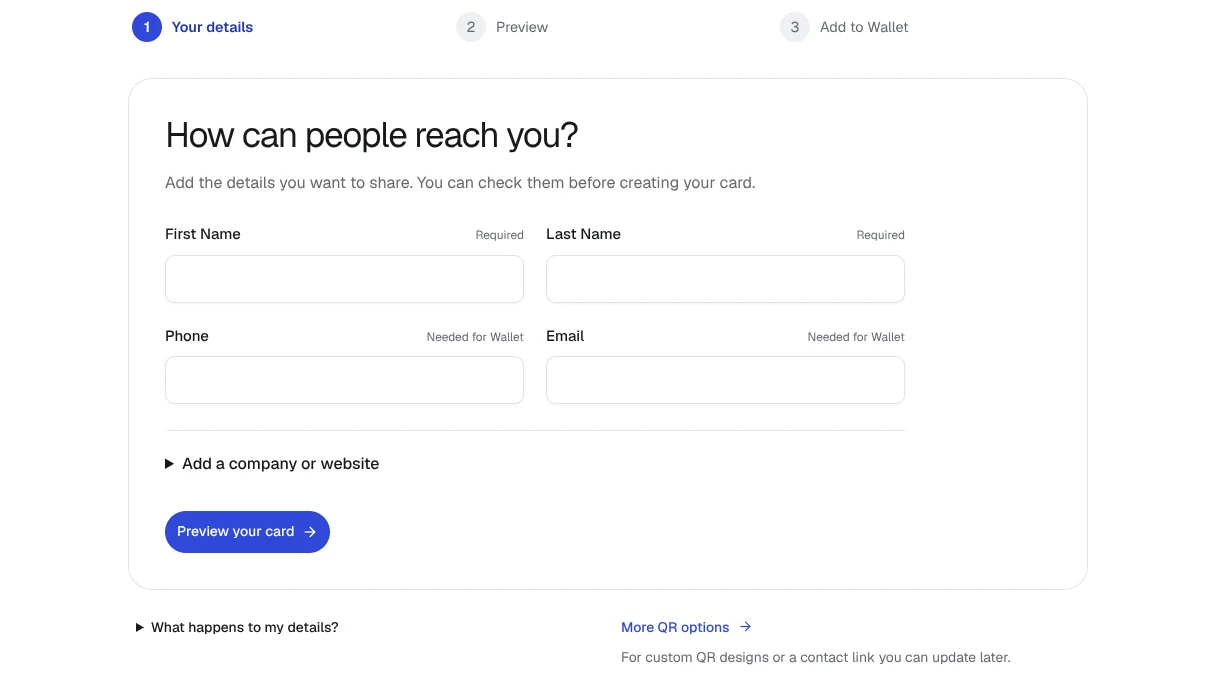
Check each field against the contact details you want clients and colleagues to use after the move. Keep accurate details that still apply, and replace the previous agency name, phone, email or web address wherever needed. The card represents your professional contact identity, so it does not need a new version for every property viewing.
- First name and last name: keep as they are unless you want clients to address you differently
- Company: the new agency's name
- Phone: a direct line clients can reach you on
- Email: a professional address that works at the new agency
- Website: the new agency profile or your personal page
- Notes: free text suited to short context such as a licence number or the region you cover
- Role, job title or social handles are not separate form fields, so include them inside the notes line if you need them
- Do not place a property address in place of a personal contact field; the card is a contact identity, not a property listing
Generate the fresh vCard QR or contact Wallet card
Open the QREasy contact card generator and enter the new agency details. Generate a fresh static vCard QR for your printed materials, or generate a contact Wallet card for Apple Wallet or Google Wallet. Check the resulting contact details before sharing. When someone scans the contact QR with a compatible phone or reader, they can review the information and choose whether to save it to their address book.
Walk each item on your list and pick the right action
For each line on your inventory, choose one of three update paths.
Reprint items that embed the old agency details at generation. A static vCard QR encodes the contact card directly, so only a freshly generated and printed code reaches recipients with the new details. Printed business cards and brochures that carry the contact card itself follow the same rule.
Repoint items that target a URL. A static URL QR already encodes the page address, so updating the hosted page behind it, including its Save Contact section, refreshes what recipients receive without reprinting the QR. A dynamic QR works through a managed destination that can be changed without reprinting.
For a contact Wallet card, generate a fresh pass with the new agency details, then check the result before sharing. Do not rely on generating a new pass to update an earlier copy saved by someone else. If a client has your old details, send the current contact information through your usual communication channel and ask them to check their saved contact.