Skip to content
Loading account
Start freeStartPage 9
A practical walkthrough of how WhatsApp click-to-chat URLs become QR codes, why a static code is usually enough, and how to create one with QREasy without signing up.
A vCard online is simply a digital contact file people open, share or scan. This guide explains how it compares with QR codes and mobile Wallet cards, where QREasy's free contact tools fit, and when you might need more.

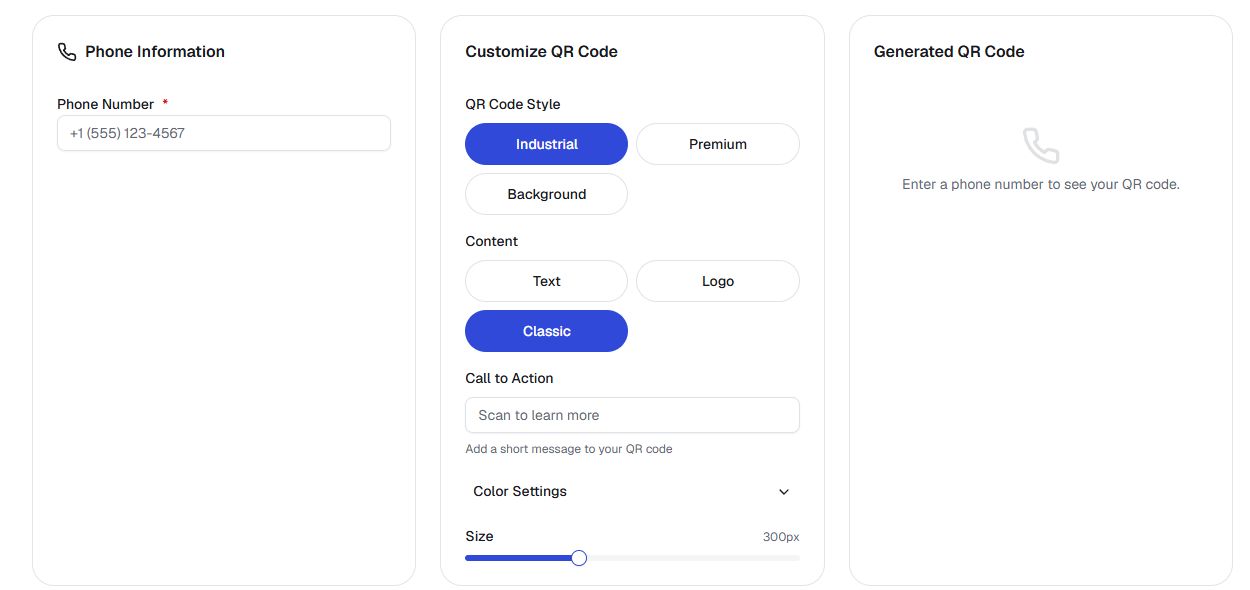
A printed QR code can start a phone call in one tap, but only when the code is built for that purpose. Here is how phone-calling QR codes really work.
Choose who receives product questions, add a phone QR and plain number to a small product bag card, then test the print at its actual size.

Map your printed materials and hosted pages, separate the ones that need reprinting from the ones you can update at the same address, then refresh your QREasy contact card.
Set clear expectations before the day: a short code of conduct on a free QREasy Event page tells them what is expected, what is not tolerated and how to raise a concern.

A real estate agent preparing a free QREasy contact code for an auction or tender can decide which of the seven form fields to fill, and what to leave for the follow-up.

Read a beauty studio’s dynamic QR activity alongside website visits, with clear limits on what the two measurements say about printed placements.

Use the questions your beauty studio keeps hearing to refresh the FAQ on your hosted page, with new wording in Text sections at the same web address.

Plan and draft a beauty campaign page before launch so visitors during and after the offer see clear next steps, accurate dates, and working paths to your regular menu.

How to coordinate Wi-Fi access for session attendees at a hired venue, from booking questions and a venue-specific code to what to test on arrival.

Compare the contact-sharing options that work in a chat window or follow-up email after a webinar, and prepare the chosen artefact inside QREasy.
Beauty studios can audit treatment room, team and finished-work photos on a hosted page so the visuals match what visitors see today, with practical keep, label, retake or retire steps.

Create a hosted introduction page using the QREasy real-estate template, covering background, service area, languages, credentials and contact options.
Plan a clear page for private-dining enquiries and group bookings, from the details to gather to the enquiry wording that fits your restaurant.
How to place and print a WiFi QR at your delivery and takeaway counter so couriers and waiting customers can reach the WiFi.
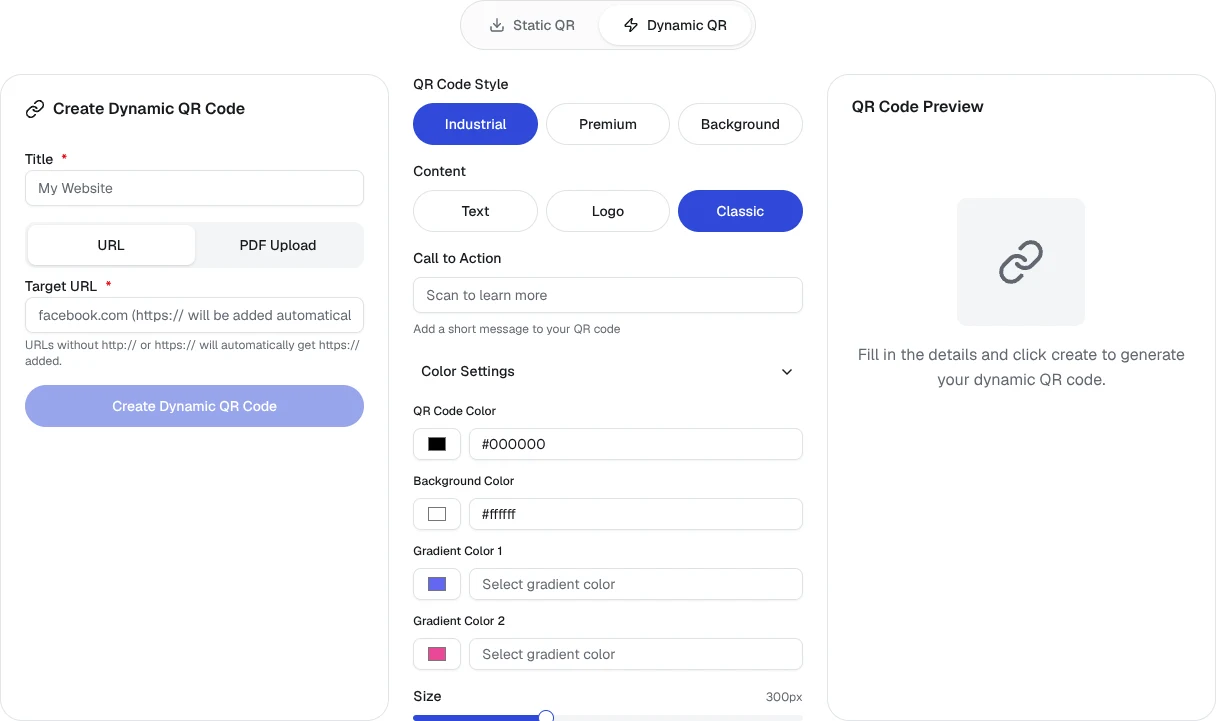
Plan what your beauty studio's printed dynamic QR should open once a seasonal offer ends, with approval, retained-page wording, and a gap response agreed in advance.
Publish a clear photography, filming and recording policy on a free Event page so guests can read the organiser-approved arrangements before arriving.
Point attendees to slides, photos, recordings and sponsor pages after your event with a single follow-up page using the free QREasy event template.
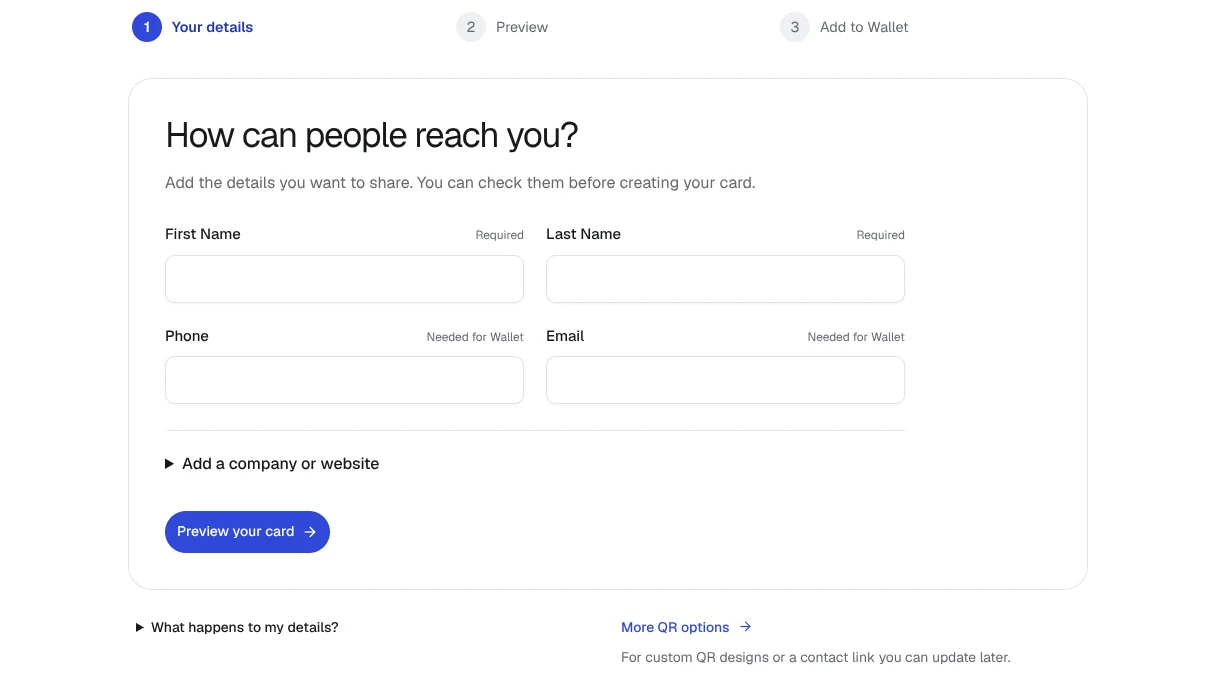
Three practical ways for mobile beauty professionals to share contact details after a home visit, with notes on what each method actually delivers.
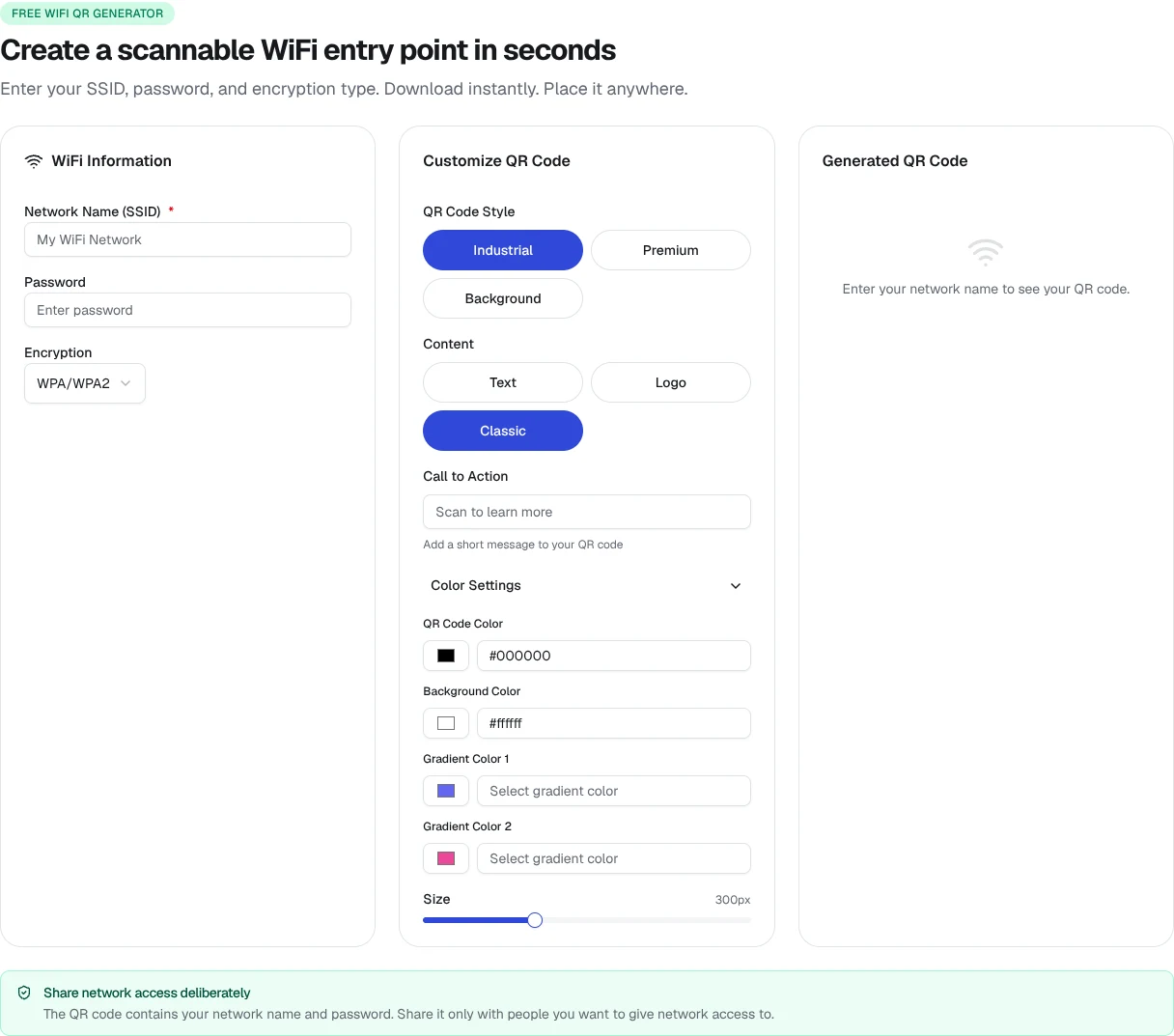
Practical placement and labelling choices that can help guests tell your WiFi QR from your menu QR.
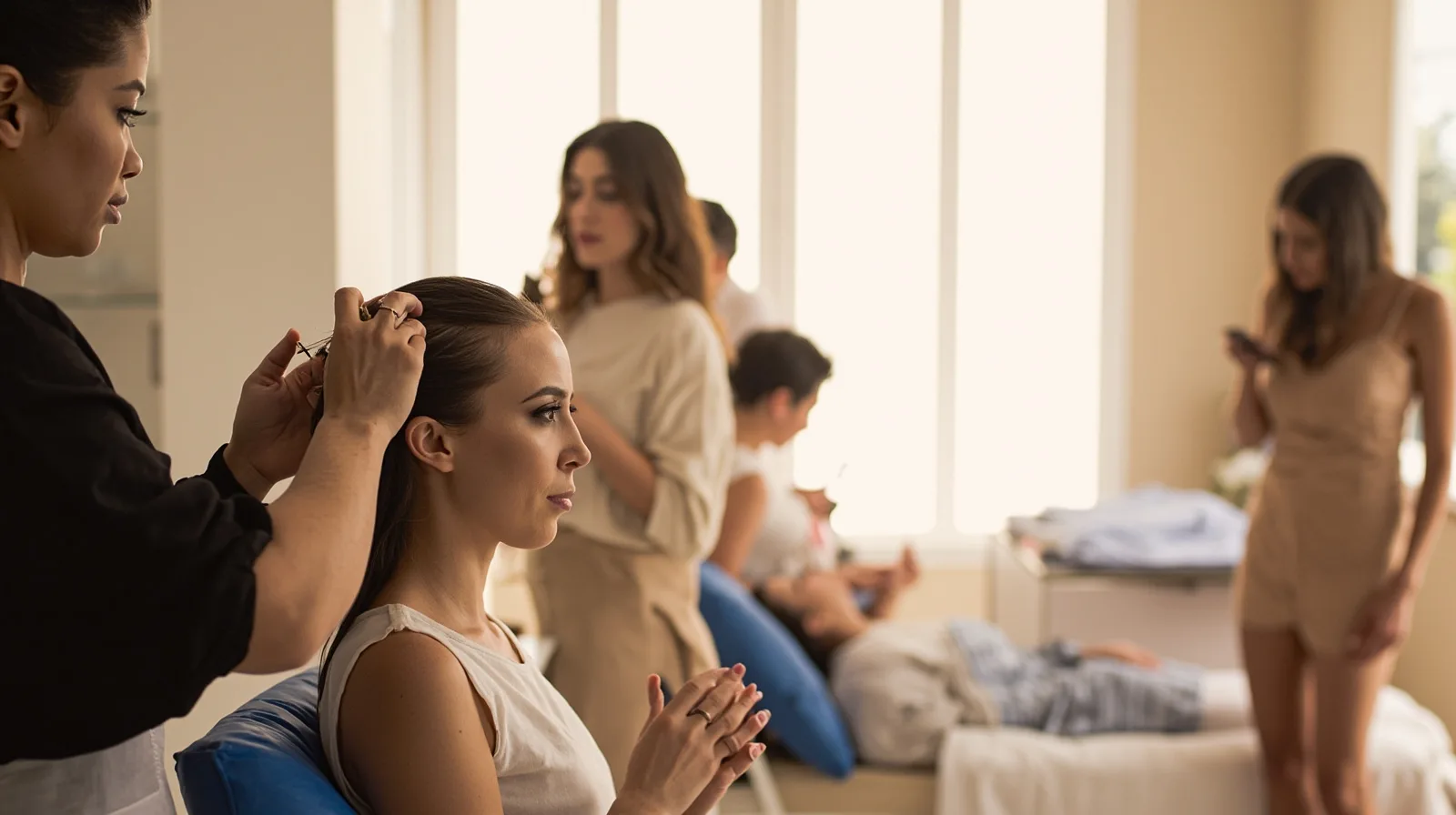
A practical guide to introducing each beauty practitioner, presenting working hours and linking individual contact or booking routes on a single hosted page.

A practical way to describe your speaking topics, audiences, session formats and organiser contact on one consultant page built with the free business-card template.

Prepare accurate property photos, descriptions, and viewing access steps for a QREasy real-estate microsite, separating confirmed details from items to verify at the viewing.